How Noem.ai + HostGator Deliver Instant Support for New Websites

9 Jan 2026 by Erick Quiel

  • 12 min
  • 112 Views

A new website should not feel quiet or slow. It should feel alive from the first visit. With HostGator’s Gator Website Builder and the no-code chatbots from noem.ai, you can greet every visitor with fast answers and friendly help. You do not need a developer to start, and you do not need to wait weeks to get value. You can go live in minutes, keep support on 24/7, and turn chats into real leads that your team can close next.

Get live in minutes, answer in seconds, and grow every visit

When you launch a site, every click matters. You want visitors to find what they need fast. You want them to feel heard, even late at night. You also want clear data to see what works and what does not. That is exactly what HostGator plus noem.ai make simple for busy business owners.

Launch Fast With HostGator + Noem.ai

Starting a new site can feel big, but it does not have to be slow or complex. HostGator’s Gator Website Builder uses helpful AI to turn your basic inputs into a clean, responsive site in just minutes, so you can get to market fast and test your message right away (ref: HostGator Help; ref: Gator Live Demo). When your pages are ready, you simply add a small chat embed from noem.ai, and your site can answer common questions the very same day (ref: Noem.ai Install Guide). This setup is light and asynchronous, so the widget loads fast and does not slow your pages while people browse (ref: Noem.ai Hosted Chatbot). Best of all, you can design your bot, ingest your content, and publish to your website or a hosted chat page in one dashboard, so you avoid tool sprawl and launch even quicker with no code clean‑up needed (ref: Noem.ai AI Chatbots).

  • Bold Start, Simple Steps: With HostGator, you pick a theme, add your brand, and generate pages using friendly guidance. In a short session, you can have a home page, service pages, and a contact page that look good on any screen (ref: Gator Live Demo). Then, you drop in the noem.ai script and see a live chat bubble appear. That bubble is your new, always-on helper that greets every visitor.
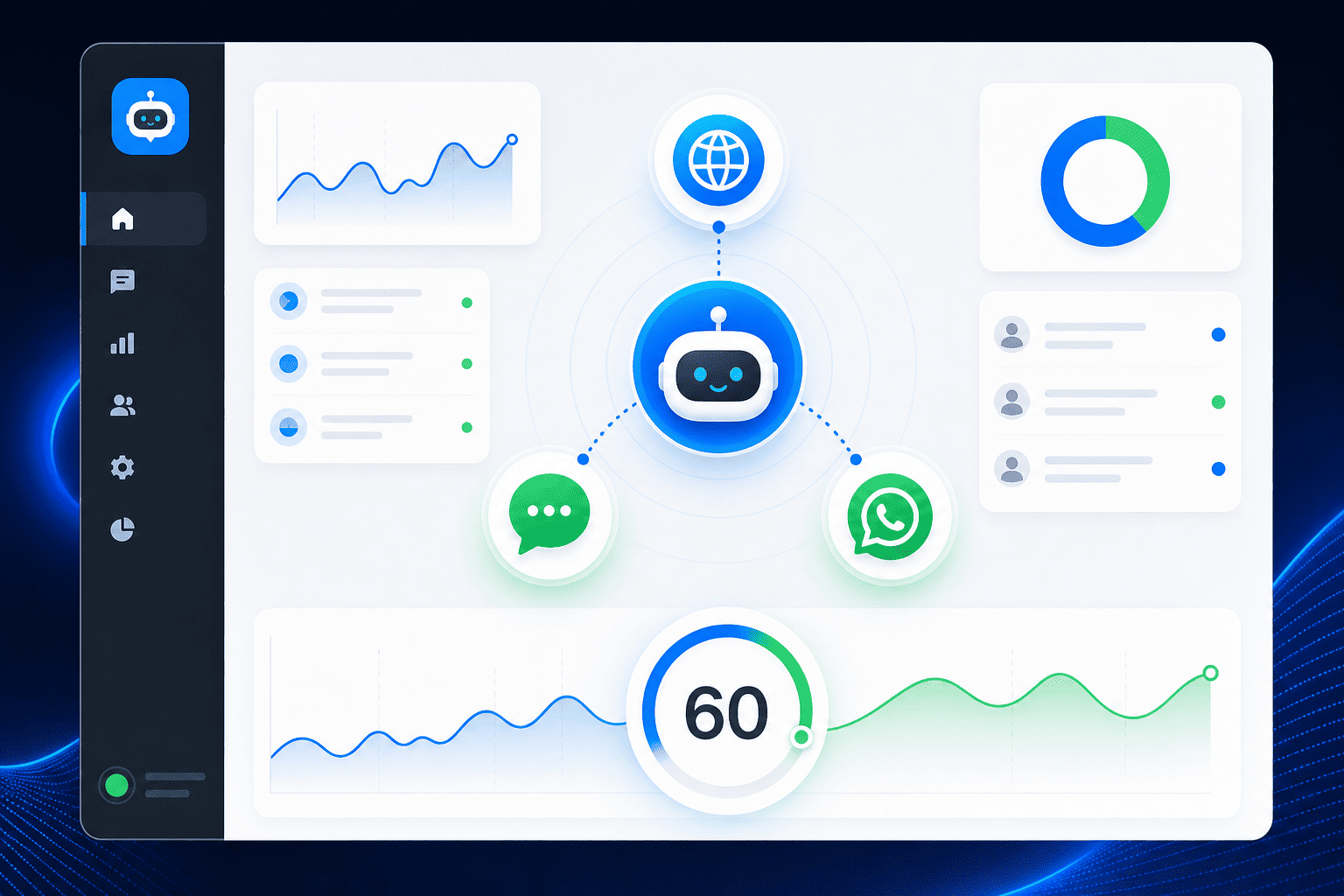
  • One Dashboard, No Code: The noem.ai platform lets you design flows, pull in content from files or URLs, and connect your chat to multiple places like your website, WhatsApp, or a hosted page from one screen (ref: Noem.ai AI Chatbots). You do not need to learn a new language or hire a developer to get smart replies. The builder is simple, with clear steps and visuals. That means you can focus on your offer, not on tech hurdles.
  • Built for Speed on Day One: Because the chat embed is light, it loads fast and feels snappy for your visitors. Speed matters because fast answers keep people on the page and reduce bounces. Your shoppers do not wait for email replies. They get help in the moment, and that builds trust.
  • Trust, Security, and Support: HostGator includes key site basics like free SSL and domain options, which help your pages stay secure and look professional to new visitors (ref: HostGator Builder). On the chatbot side, noem.ai gives you a simple way to keep content in sync and train your bot safely, so it reflects the latest updates. This makes your support more accurate and dependable over time (ref: Noem.ai Core Features). Together, they help you launch fast and stay reliable.

What Instant Support Looks Like: Faster Answers + 24/7 Availability

When a new visitor lands, you have only a few seconds to help. With noem.ai on your HostGator site, the chat greets them right away and answers in seconds. This reduces the time people spend searching or waiting, and it keeps them moving toward a click or a purchase (ref: Noem.ai Core Features). HostGator’s builder gets you online quickly, but the chat is what gives your site a voice at all hours, even when your team is busy or asleep (ref: HostGator Help). That mix—fast build and instant support—turns a static site into an active, helpful experience from day one.

  • Faster Response Times for Visitors: Noem.ai gives immediate replies to simple questions like pricing, hours, or shipping. This keeps people from bouncing to a competitor while they wait for an email or a form response. It also helps them reach the right page in fewer clicks. When answers are instant, visitors feel confident and stay longer (ref: Noem.ai AI Chatbots).
  • Always On, Around the Clock: With 24/7 chat, your HostGator site supports visitors at any time zone without staffing every minute. This matters for launches and promotions, when traffic can spike at odd hours. If someone asks a product question late at night, the bot still helps, and that means you do not lose that chance. Many teams note that always-on help improves satisfaction and keeps the queue clear (ref: Noem.ai Services).
  • Multilingual Help for a Global Audience: If your visitors speak different languages, you can still help them right inside the widget with multilingual support features. This makes your site welcoming to a wider audience without adding staff in each language. Clear answers in the visitor’s language reduce confusion and returns. It also shows respect for your customer’s time and needs (ref: Noem.ai AI Chatbots).
  • Runs Smoothly on Modern Builders: Whether your site is on HostGator’s Gator builder, WordPress, or a custom setup, the embed is designed to fit in smoothly with your layout and branding. It does not force odd page changes or heavy code. You keep full control over colors, tone, and logo. This keeps your brand feel strong and your site simple to manage (ref: Noem.ai Install Guide).

Turn Chats Into Real Leads, Not Just Messages

A chat is more than a quick answer. It is a chance to move a visitor toward a purchase or a booking. With noem.ai, you can ask simple, friendly questions that help you qualify interest and collect details with consent, like name and email, right in the chat window. Those details start a warm follow-up list for your team to contact later. Tied with HostGator’s fast pages and clear calls to action, this becomes a smooth path from question to conversion (ref: Noem.ai AI Chatbots).

  • Lead Capture From Website Conversations: The chat can collect contact info when someone asks for a quote, needs a demo, or wants a callback. This capture feels natural because it happens mid-conversation, right when interest is highest. You can send these leads to your CRM or inbox for fast follow-up. Clean capture means more chances to close and fewer lost inquiries (ref: Noem.ai Services).
  • Help People Choose Faster: You can guide shoppers to the best plan, size, or package based on a few key questions. This reduces friction and makes people feel understood. It also cuts down on back-and-forth emails that slow the sale. A clear recommendation in the chat builds trust and speeds the decision (ref: Noem.ai Core Features).
  • Show Content at the Right Time: You can drop links, product images, or short explanations in the chat to help people compare options. Timely content keeps them focused and informed. It also gives your sales story a simple flow, step by step. When the right content appears at the right time, people click more and bounce less (ref: Noem.ai AI Chatbots).
  • Measure the Impact: With real-time analytics, you can see which questions are hot, where people get stuck, and which messages drive clicks. These insights show you where to adjust your scripts and pages. Over time, the chat becomes sharper and more helpful. That makes every visit more likely to turn into a lead or a sale (ref: Noem.ai Core Features).

See Every Conversation and Grow Smarter Week by Week

Good support is not only fast. It is also clear and traceable. With noem.ai, you keep a complete history of your chats in your workspace, so you can review past talks, edit answers, and improve your bot in a steady way (ref: Noem.ai Core Features). This history is useful for training your team, proving what visitors ask most, and sharing wins with leadership. You can export data, clone setups, and see patterns across pages and campaigns. The result is fewer unknowns and a better plan for your next update.

  • Complete Conversation History: Every chat gets saved with context, so you can learn what helped and what did not. You can mark great answers and fix weak ones. That way, each change is based on real questions, not guesses. This grows your knowledge base over time and keeps your answers consistent (ref: Noem.ai Core Features).
  • Missed-Question Alerts and One‑Click Tweaks: If your bot misses a question, you get alerts that point to gaps in your content. You can add a short, clear answer and push it live with one click, right from your dashboard. This keeps the bot fresh without long projects. Steady, small updates add up to a strong support channel (ref: Noem.ai AI Chatbots).
  • Weekly Summaries for Leaders: You can receive regular summaries that show top questions, common paths, and outcomes. These help you plan updates to your pages or offers. They also show impact in a way that is easy to share with stakeholders. Simple summaries make it easier to decide what to change next (ref: Noem.ai Core Features).
  • Easy Set Up and Growth: If you want, you can start on a hosted chatbot page before you even finish your full site. This lets you collect questions and leads early and learn what people want most. Later, you can embed the same bot on your HostGator site with a small code snippet. This staged approach speeds learning and saves time (ref: Noem.ai Hosted Chatbot; ref: Noem.ai Install Guide).

How to Set It Up (In Minutes, Not Weeks)

Getting started is simple and does not require special skills. First, build your site with HostGator’s Gator Website Builder and pick a design that fits your brand. The builder’s AI tools help you produce a professional layout, clean menus, and mobile-ready pages fast (ref: HostGator Help). Next, open your noem.ai dashboard, add your content sources like your FAQ page or PDF, and create your first chat flow. Finally, paste the chat embed code into your site and publish the change. You can test right away by opening your site in a new browser tab and asking a few common questions to see the answers.

  • Step 1: Build Your Pages: In Gator, add your logo, colors, and text. Use the page builder to create services, pricing, and contact sections that are easy to scan. Preview on mobile to make sure everything looks crisp. Then publish to go live quickly (ref: Gator Live Demo).
  • Step 2: Configure Your Bot in Noem.ai: In the noem.ai dashboard, you can set your bot name, tone, and starting message. Add your knowledge sources, like your About page or product sheets. Set a few quick replies for popular questions. Save and preview your chat response quality in seconds (ref: Noem.ai AI Chatbots).
  • Step 3: Embed and Test: Paste the embed code into your HostGator site using the builder’s custom HTML section and republish. Open your site and try a handful of questions like “What are your hours?” or “How do I book a demo?” Watch the answers come back fast. Make any tweaks you need and publish again. You can do all this without a developer (ref: Noem.ai Install Guide).
  • Step 4: Review Data and Improve: After a few days, check your chat analytics to see common questions, links clicked, and leads captured. Fix any gaps you find and add new content so answers stay fresh. Keep your welcome message friendly and clear. Repeat this simple cycle to keep improving results (ref: Noem.ai Core Features).

Real Outcomes New Sites Care About

When your chat answers fast and never sleeps, visitors relax and engage more. That shows up in key numbers that matter for new sites. Teams report faster replies, fewer basic emails, and more leads captured right in the chat window. With basics handled by the bot, your human team can focus on complex deals or high-touch care. Over time, this balance saves effort and grows revenue without adding heavy process or headcount (ref: Noem.ai Services).

  • Faster Response Times for Visitors: A speedy reply stops confusion and keeps people on your page. It also shows that your brand is helpful and modern, which boosts trust. On a new site, this can be the difference between a quick bounce and a new lead. Speed feels like care, and care wins business (ref: Noem.ai AI Chatbots).
  • 24/7 Customer Support Availability: People search at all hours. With always-on help, you do not miss those moments. This is vital for launches, holidays, and global campaigns. Constant coverage turns your site into a steady, reliable channel (ref: Noem.ai Services).
  • Lead Capture From Website Conversations: Lead forms can feel cold. A chat that listens and then asks for details feels warm and easy. You collect better info, faster, from people who are ready. That gives your sales team more chances to close every week (ref: Noem.ai AI Chatbots).
  • Complete Conversation History: Saved chats teach you which answers land and which ones confuse. You can fix weak spots and grow your library of strong replies. This makes your support smarter, step by step. History is a gift for training and for long-term planning (ref: Noem.ai Core Features).

Why Business Owners Pick This Stack

Business owners want results fast, not a pile of tools that do not fit. HostGator makes building easy, while noem.ai keeps the support simple, smart, and always on. You can launch with confidence, learn quickly from live chats, and improve without a heavy lift. This gives you a clear path to steady growth. And when you are ready to scale, you can add channels and connect to more apps without reshuffling your stack (ref: HostGator Help; ref: Noem.ai AI Chatbots).

  • Simple to Start, Simple to Scale: You can begin with one website widget and later add WhatsApp, SMS, or a hosted chat page as your audience grows. This keeps your support consistent across places where your customers prefer to chat. Managing all channels in one dashboard saves time. It also keeps your data clean as you scale (ref: Noem.ai AI Chatbots).
  • Built for Trust and Clarity: Clear answers and a friendly tone build trust on first contact. When your bot reflects the latest content, visitors feel confident they are getting the right info. That makes it easier to buy, book, or subscribe. Confidence is a quiet driver of growth (ref: Noem.ai Core Features).
  • Data You Can Use: Real-time analytics and saved chats put proof behind your choices. You can see which FAQ items matter, which buttons get clicks, and which offers draw interest. Then you update pages and scripts to fit the real demand. This cycle turns feedback into action week after week (ref: Noem.ai Core Features).
  • Support for Non‑Technical Teams: You do not need a developer to make updates. The steps are clear, and the changes go live fast. This means your marketing or ops team can own the channel with confidence. Less waiting means more learning and better results (ref: Noem.ai Install Guide).

See the Experience in Action

If you want to see a simple site build from scratch and imagine the chat layer on top, watch a short demo of the Gator Website Builder to understand how quickly you can go from idea to live pages (ref: Gator Builder on YouTube). Once your base site is live, adding the chat is a fast step that creates an outsized impact. Your visitors will see the help bubble and know they can ask anything. You can guide them to the right page, capture a lead, or help them check out right in the flow. This small change can make your new website feel complete and helpful from the first day.

  • Try It On a Hosted Page First: If you are not ready to embed, publish a hosted chat page with your branding to start collecting questions and insights right away. Share this page on your social profiles or email list to get early feedback. Use those chats to refine your copy and offers. Then embed the bot on your HostGator site when you are ready (ref: Noem.ai Hosted Chatbot).
  • Keep It Fresh With Auto‑Sync: As your FAQ or product pages change, keep your chat updated so answers match your latest content. This reduces confusion and returns. It also keeps your sales and support stories aligned. A fresh chat keeps visitors happy and confident (ref: Noem.ai AI Chatbots).
  • Protect Speed and SEO Basics: The lightweight embed helps preserve page speed, which supports a better user experience. Clear, quick answers keep people engaged on your site, which can help reduce bounce rates. Continued engagement signals value to visitors and supports your growth goals. A helpful site becomes a trusted site.
  • Ready Help When You Need It: If you want guidance, you can tap into platform help docs that show each step with screenshots and simple tips. These resources reduce guesswork and keep you moving forward. Clear help shortens setup time for small teams. That keeps your launch timeline on track (ref: Noem.ai Core Features).

Make Your First Week Count: A Simple 7‑Day Plan

Your first week after launch is important. Here is a simple plan to get the most from your HostGator site and noem.ai chat. It focuses on speed, signals, and steady updates. Follow these steps, and you will build confidence and data fast. Then you can adjust based on what your visitors actually do.

  • Day 1–2: Publish Pages and Embed Chat: Finish your base pages and add the chat widget. Test common questions to make sure answers are clear. Set a friendly welcome message with one obvious next step like “Book a call” or “See pricing.” Keep the language short and helpful (ref: HostGator Help; ref: Noem.ai Install Guide).
  • Day 3–4: Watch Analytics and Tweak: Check which questions come up most and which links get clicked. Add or refine answers for those topics and update your pages if you see confusion. Keep testing on mobile to make sure the experience stays smooth. Small changes here make a big difference later (ref: Noem.ai Core Features).
  • Day 5: Add Lead Capture Moments: Place gentle prompts in the chat to collect email when someone asks for a quote, sample, or demo. Keep it short, and explain why you are asking. Store those leads where your team can act fast. Quick follow-up within a day shows care and increases conversions (ref: Noem.ai Services).
  • Day 6–7: Ship a Small Update: Use what you learned to improve your bot’s welcome message, top answers, or recommended links. Publish changes and tell your team what changed. Keep a simple log so you can track what works. Repeat this cycle weekly to build momentum (ref: Noem.ai Core Features).

Bring It All Together With Noem.ai and HostGator

You want a site that looks great and helps people instantly. HostGator’s Gator builder gets you online fast with clean pages and mobile-ready design (ref: HostGator Help). The chatbots from noem.ai turn that fresh site into a helpful, always-on guide for your visitors. You get faster response times, real lead capture, and complete chat history that helps you improve every week. This is a simple, powerful way to make your new site work harder from day one (ref: Noem.ai AI Chatbots).

Ready to see it live on your site? Start your HostGator build, then add noem.ai to greet every visitor, collect more leads, and keep support open 24/7. Try the quick install, ask your bot real customer questions, and watch the difference in days, not weeks. Visit noem.ai to get started now, and turn every visit into a chance to help and sell (ref: noem.ai; ref: Gator Live Demo).

Powered by noem.ai on HostGator. Learn more at noem.ai and explore the help docs at noem.ai to make the most of your launch.

Focus on Decisions, We’ll Handle the Rest

While you make strategic decisions, Let Agent Noems efficiently run your company’s departments:

  • AI Support Chatbots
  • Lead Conversion Chatbots
  • Coaching Chatbots
  • Onboarding Chatbots
  • Virtual Clone Chatbots
Try It for Free

Where should we send your invitation to?