How to Launch a Hosted AI Website Chatbot in Minutes (Even If You’re Not Technical)

7 Feb 2026 by Erick Quiel

  • 12 min
  • 14 Views

Launching a hosted AI website chatbot should not feel risky or time-consuming. With noem.ai, you can move from idea to live bot in minutes, not weeks, and you don’t need to be a developer to do it (ref: Noem.ai Help). Everything you need—builder, hosting, knowledge sync, channels, and analytics—lives in one place, so you avoid the usual mess of piecing tools together (ref: Noem.ai Blog). This all-in-one approach gives you consistent answers across channels and keeps the bot fresh with continuous auto-sync. You can offer 24/7 coverage, capture leads instantly, and keep full conversation history in one dashboard. That means faster response times, a calmer inbox, and clear visibility into customer needs.

Noem.ai is especially helpful for business owners who want clear steps and quick wins. The platform’s usage-based pricing scales cleanly, so you don’t have to worry about surprise jumps when you grow (ref: Noem.ai Help). You can start small on a single site, then expand to WhatsApp, SMS, and other channels—still using the same chatbot logic. Because the same knowledge powers every channel, answers stay aligned wherever customers reach you (ref: Noem.ai Chatbots Help). And since the setup is guided, you can test safely before you publish.

When you’re ready to go, you’ll create a project, set simple instructions, connect your knowledge, and click deploy. If you prefer, the concierge onboarding team at noem.ai can help you configure best practices and go live quickly. The goal is speed, clarity, and trust—so you can help customers around the clock without complex implementation work (ref: Create Your Chatbot).

How to Build Your Chatbot Project (So It Feels Like Your Brand)

Creating your project is the first step, and it only takes a few minutes. Sign in, go to My Projects, and choose New Project to start the chatbot setup (ref: Create Your Chatbot). You’ll add a display name, a profile image, and a clear welcome message that sets expectations. You can also define your brand details—website URL, what you sell, who you serve, and your value proposition—so the bot speaks in your voice (ref: Noem.ai Help). Inside the dashboard, you can ingest knowledge from files, URLs, or connected apps, so your bot has the facts it needs to answer with confidence (ref: Noem.ai Help).

  • • Brand Profile: Give your bot a clear name and brand identity so users feel safe engaging. Add your logo and a friendly header that matches your site’s style. A warm welcome message and sample prompts like “How can I book a demo?” nudge visitors to interact. This small setup step often doubles the number of first messages you receive (ref: Create Your Chatbot).
  • • Knowledge Sources: Connect your FAQs, pricing info, docs, or product pages via files and URLs. With auto‑sync, new changes on your website flow into the bot, so answers stay current without extra work from your team (ref: Noem.ai Help). This keeps your content consistent across channels as you expand. You avoid the drift that happens when you try to maintain multiple systems by hand (ref: Noem.ai Chatbots Help).
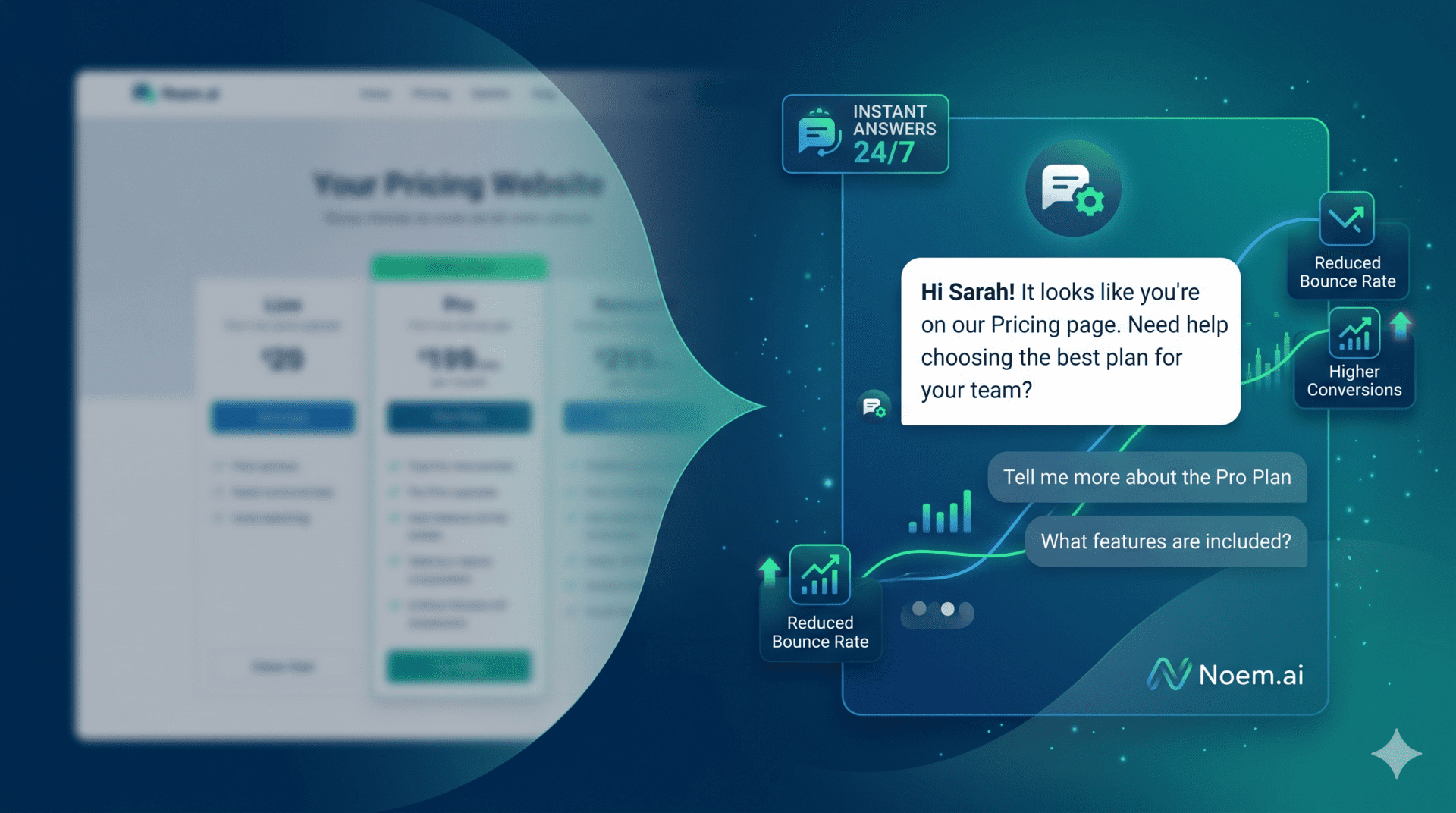
  • • Welcome Experience: A good greeting lowers the fear of a “dead end” bot and boosts engagement. Use a friendly tone and invite questions like “What brings you here today?” or “Need help choosing a plan?” By focusing on the most common visitor jobs, you guide people faster to the right path. This approach helps capture more leads and reduces unnecessary page exits (ref: Create Your Chatbot).
  • • Real-Time Preview: As you set the basics, test the bot right in the dashboard. Make sure it understands your brand and gives clear, short answers that feel helpful. Adjust wording and examples until the replies sound exactly like your team. When your team feels confident, you’re ready to move on (ref: Chatbot Instructions).

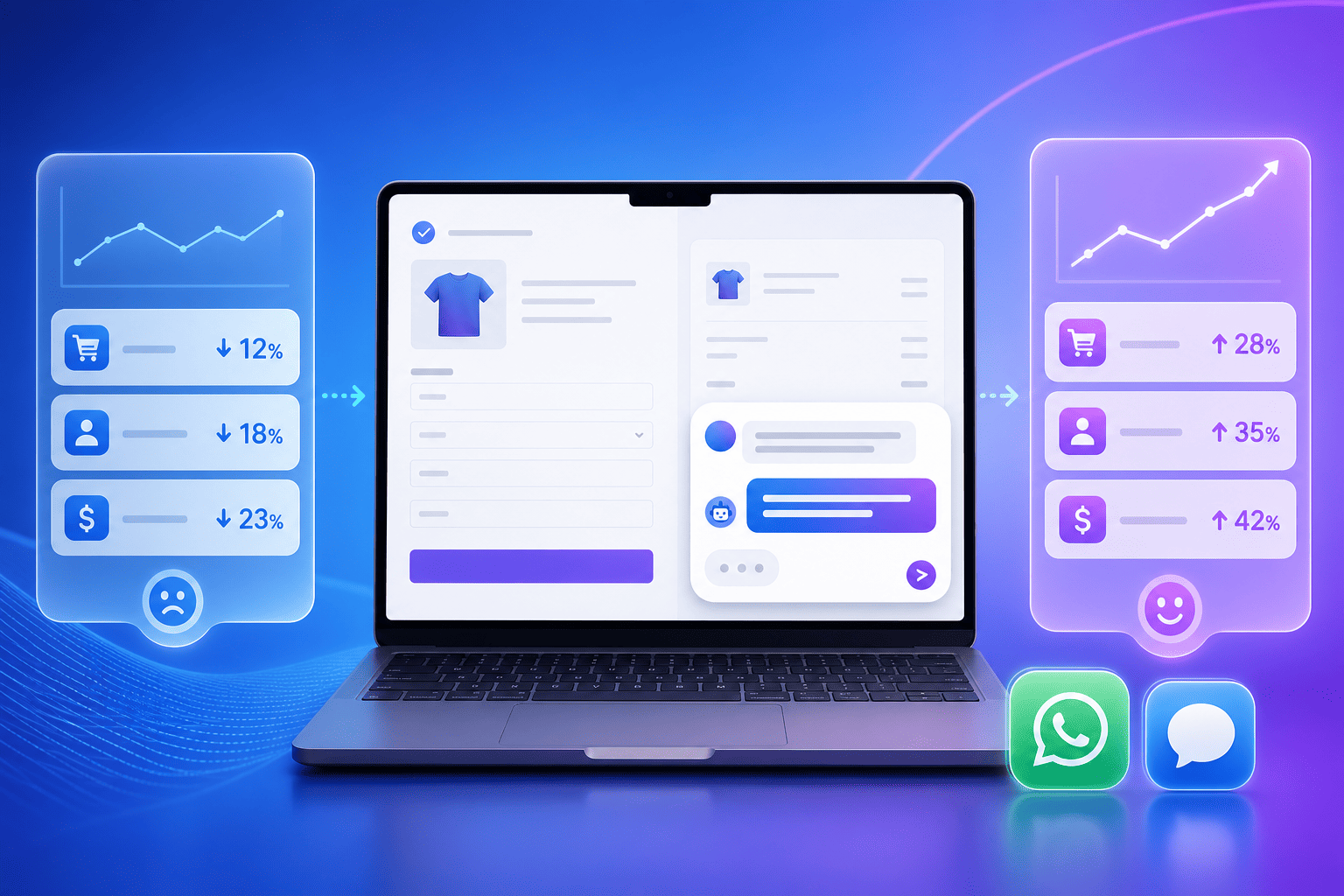
Setting up like this gives your bot a strong base. According to implementation guidance, businesses using AI chatbots typically see up to a 30% reduction in support costs when routine questions are handled automatically, freeing your team for higher‑value work (ref: Noem.ai Blog). That cost relief often appears in the first few weeks as your bot absorbs common inquiries day and night. With a complete conversation history saved, you can watch where people get stuck and refine replies quickly (ref: Chatbot History). The sooner you ship, the sooner you learn.

How to Write Clear Chatbot Instructions (For Consistent, Multi‑Lingual Answers)

Your instructions tell the chatbot how to act. They define the bot’s role, tone, scope, and what to avoid. In the Instructions area, you can write simple, scannable bullets that guide behavior and set limits, then test with a single click (ref: Chatbot Instructions). Keep it short and clear: your name, your goals, the types of questions you can solve, and when to hand off to a person. This makes answers consistent across channels like web, WhatsApp, and Messenger—even as your team grows (ref: Noem.ai Chatbots Help).

  • • Simple, Scannable Rules: Use bullets to define friendly tone, concise answers, and what the bot should not discuss. Clear rules lower confusion and keep the bot on-brand in every conversation. Short examples (“If asked about pricing, share link + two benefits”) improve reliability. Test instructions as you edit so you see changes right away (ref: Chatbot Instructions).
  • • Multi‑Lingual Support: If you serve global audiences, enable multi‑lingual replies so visitors can get help in their own language. This keeps support accessible 24/7 without manual routing or translation delays. Your knowledge base stays the single source of truth while the bot adapts language inline. It’s a simple way to delight international customers (ref: Noem.ai Help).
  • • Consistency Across Channels: The strongest chatbots answer the same way wherever they show up—site, WhatsApp, or Facebook Messenger. By defining rules once in the same dashboard, you keep tone and facts aligned, lowering rework for your team (ref: Noem.ai Chatbots Help). This makes training and updates far simpler. You spend less time fixing and more time serving customers.
  • • Smart Prompts and Auto‑Engage: Pre‑write helpful prompts like “Show me shipping options” or “What plan fits a team of five?” so visitors don’t need to guess. Auto‑engage messages can greet new visitors and offer help before they bounce, which increases response rates (ref: Create Your Chatbot). These tiny nudges often unlock more leads. You’ll see the lift in your analytics right away.

Clear instructions also help you avoid confusing or off‑topic replies. You can define when to escalate to a person and how to collect contact details if the visitor wants follow‑up. All of this is managed in one place on noem.ai, so you can iterate fast without bouncing between tools. As your library grows, you keep the same rules but expand the content behind them. This balance of structure and flexibility is what makes the bot feel both smart and safe (ref: Noem.ai Help).

How to Deploy Securely on Your Website (And Stay Available 24/7)

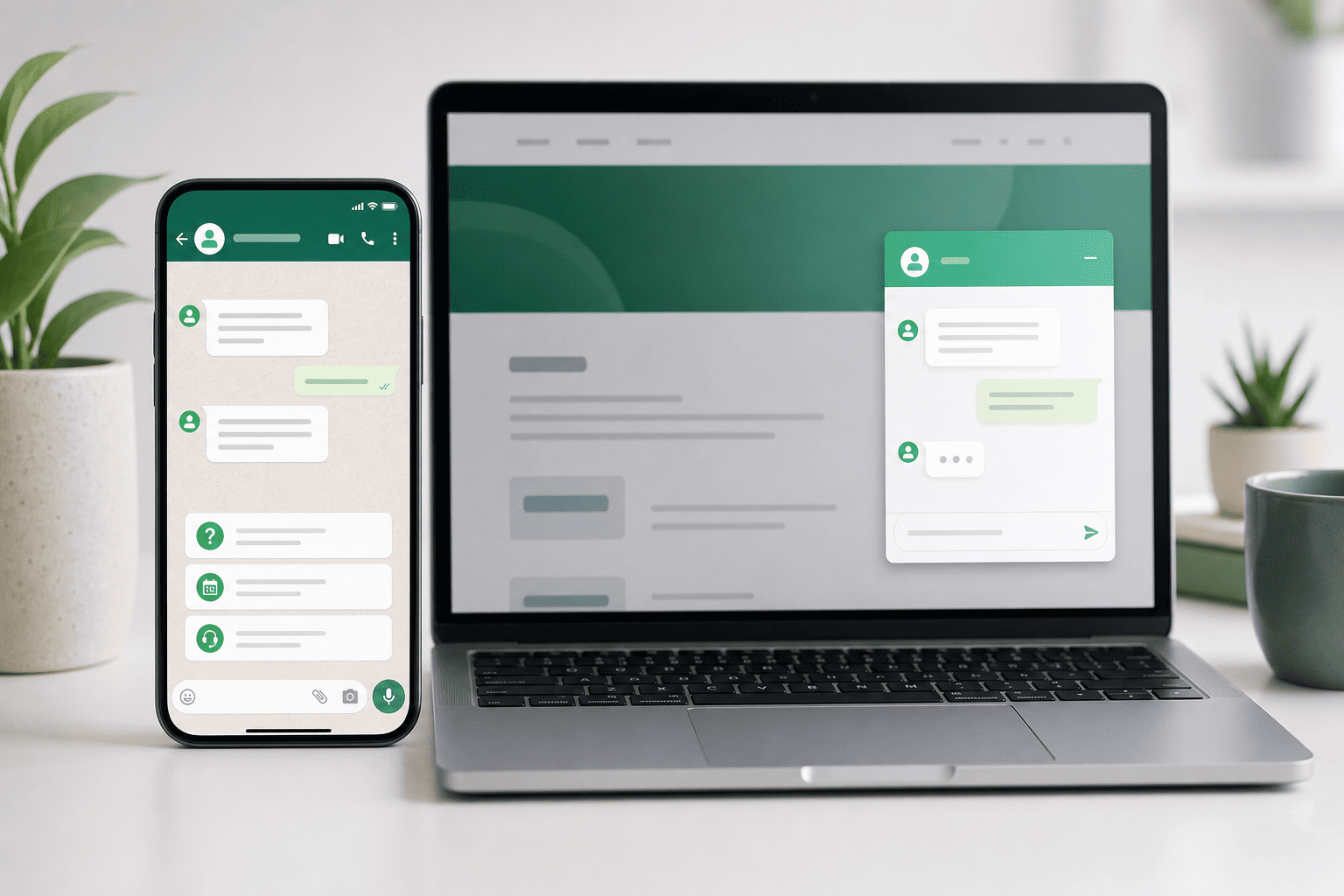
Publishing your chatbot is straightforward and secure. In the Deploy area, you’ll add Approved Domains so the bot only runs where you want it—no wildcards, just your exact sites for safety (ref: Chatbot Deployment). Then you enable the chat widget using a simple embed on your site or through tools you already use like WordPress or Google Tag Manager (ref: Install on Any Website). With this setup, you get round‑the‑clock service without logging in every day to keep it running. The bot is hosted for you, so uptime and scale are handled in the background (ref: Noem.ai Help).

  • • Domain Whitelisting: Add your domains so the widget only loads on approved properties. This protects your brand, your data, and your visitors by keeping access narrow and intentional (ref: Chatbot Deployment). It’s a small step with a big security payoff. You’ll see the allowed list in your dashboard any time you want to update it.
  • • Easy Website Embeds: You can place the widget with a short embed in your site’s header or via your CMS. If you prefer, use the WordPress plugin or Google Tag Manager to manage the snippet without touching your template (ref: Install on Any Website). This keeps setup smooth even if you change themes or redesign pages. Non‑technical teams appreciate that it “just works.”
  • • 24/7 Availability: Once live, the bot handles common questions day and night, welcoming new visitors and giving helpful answers without wait times. That availability alone improves satisfaction because customers get information when it matters most. Clear handoffs are still there for complex issues—your team stays in control. You get the coverage without burning out your staff (ref: Noem.ai Help).
  • • Privacy and Safety: With secure API management and approved domains, your data stays protected. The platform is built to keep customer details safe while still letting you capture and export the insights you need (ref: Chatbot Deployment). Because everything runs in one stack at noem.ai, you avoid the typical risks of many separate plugins. Simplicity here is a giant win for reliability.

This setup also lets you try new pages or campaigns without long prep. Add the bot where you need it, then measure engagement with built‑in analytics. If a campaign gets traction at odd hours, your bot is already there to answer questions and capture names. That’s the power of hosted and integrated tools—speed without chaos (ref: Noem.ai Help).

How to Publish to More Channels (And Keep One Conversation History)

Customers reach you in many places—your website, social apps, and messaging tools. With noem.ai, you can publish the same bot to web, WhatsApp, SMS, Facebook Messenger, Slack, and more, while keeping one, complete conversation history (ref: Noem.ai Chatbots Help). This means customers get consistent answers across channels, and your team can see the full story in one place. You don’t have to copy settings or re‑train each time you expand. It’s truly one bot, many channels (ref: Noem.ai Help).

  • • WhatsApp: Connect through the WhatsApp Cloud API so customers can reach you where they chat all day. You’ll verify your business number, set webhooks, and secure the token so messages flow reliably (ref: WhatsApp Integration). Once connected, your bot replies with the same knowledge it uses on your site. This keeps your brand voice steady and your answers accurate.
  • • Shopify: If you run a store, integrate your bot to help with orders, inventory questions, and product details. You’ll authenticate your shop and deploy the widget so shoppers get fast help right on your storefront (ref: Shopify Integration). Because it’s the same bot, customers hear the same guidance whether they chat on site or social. That alignment calms confusion and reduces returns.
  • • Slack: For internal requests or lightweight support, connect Slack so your team can ask the bot questions in real time. This is helpful for quick fact checks or sharing links with customers (ref: Chatbot Deployment). You keep work moving without hunting for docs. It’s another way to bring your single source of truth closer to the team.
  • • Unified History and Analytics: Every conversation—across web and channels—lands in one history view. You can filter by satisfaction, export transcripts, and see where users need more help (ref: Chatbot History). With this view, 79% of businesses report they can turn conversations into actionable insight for better decisions and personalization (ref: Chatbot History). This clarity helps you improve content and speed up sales cycles.

Because publishing happens from one dashboard, you can roll out to a new channel in a single work session. There’s no messy migration or extra training time. When you edit instructions or add new knowledge, every channel benefits. That’s the control you get from a single integrated stack built and hosted by noem.ai (ref: Noem.ai Help).

How to Capture Leads Instantly and Lower Support Costs (While Staying Helpful)

Your chatbot should do two big jobs: help customers fast and help your business grow. On the growth side, instant website lead capture means the bot can collect names, emails, and questions right in the chat, then route them to your CRM or inbox (ref: Create Your Chatbot). Because the widget is available 24/7, you’ll capture prospects who visit outside normal hours. On the support side, the bot handles routine questions so your team can focus on higher‑value conversations. Many companies see up to 30% lower support costs when they let the bot handle repeat FAQs and order status lookups (ref: Noem.ai Blog).

  • • Auto‑Engage and Smart Prompts: Greet new visitors and offer common next steps like “Get pricing” or “Ask about shipping.” These prompts reduce friction and make it easy for visitors to ask for what they need (ref: Create Your Chatbot). The result is more conversations and more captured leads. You’ll see the lift right away in your analytics.
  • • Complete Conversation History: Every chat is saved with timestamps and satisfaction indicators, so you can review patterns and improve content (ref: Chatbot History). You can spot common blockers and update your site or bot to fix them. This creates a simple feedback loop that gets stronger each week. Over time, fewer people need to ask the same thing twice.
  • • Actionable Insights: Use ratings, keywords, and outcomes to see what customers really want. With this data, you can prioritize better self‑serve content and sales offers that match demand (ref: Chatbot History). Businesses using these insights are far more likely to personalize outreach in a helpful way. It’s a low‑effort path to smarter decisions.
  • • Multi‑Lingual and Multi‑Channel Coverage: Serve different languages and channels from one bot without maintaining separate systems. This expands your reach without adding complex workflows or manual translations (ref: Noem.ai Help). Customers get fast, friendly help where they already spend time. Your team gets fewer repetitive emails and more qualified conversations.

Because the platform is integrated end‑to‑end, you avoid scattered tools and the costs that come with them. You won’t need separate plug‑ins for lead capture, analytics, and multi‑channel. It’s one stack, one login, and one source of truth at noem.ai. That simplicity is what keeps your bot helpful, easy to maintain, and cost‑effective over time (ref: Noem.ai Help).

How to Go Live, Measure, and Keep Improving (Without Busywork)

When you’re ready, click to publish on your approved domains and do a live test. Ask the bot the top 10 questions your customers ask and confirm the answers feel right. Check the lead capture flow, the handoff path, and the thank‑you messages for clarity. If you’re also publishing to WhatsApp or your storefront, send a few test messages there as well (ref: WhatsApp Integration, Shopify Integration). With one more click, your bot is ready to greet visitors around the clock.

  • • Watch the First 100 Conversations: In your history dashboard, look for where people pause or ask again (ref: Chatbot History). Update your instructions or add a short article to your knowledge where needed. Tiny edits here create big wins fast. This cycle is simple on noem.ai because all controls sit in one place.
  • • Track Coverage and Satisfaction: See how many chats happen after business hours and how many end with a helpful rating. For many teams, late‑night coverage drives a surprising share of conversions. This is where a 24/7, multi‑lingual bot shines—with hard numbers to prove it (ref: Noem.ai Help). You can also export data to share wins with your team.
  • • Keep Answers Consistent: When you update a policy, product, or price, refresh your knowledge sources so the bot stays accurate. Auto‑sync makes most of this instant, so you aren’t chasing edits in ten different places (ref: Noem.ai Help). Consistency is what builds trust for returning visitors. It also prevents support tickets caused by outdated info.
  • • Expand Channels When Ready: After the website launch, add WhatsApp, SMS, or Messenger with the same bot logic. This gives customers more ways to reach you without multiplying your workload (ref: Noem.ai Chatbots Help). Because analytics are unified, you compare performance across channels in one view. Growth stays organized and measurable.

The foundation here is simple: one integrated platform that lets you launch, learn, and improve. That’s what sets noem.ai apart—builder, hosting, multi‑channel, and analytics bundled together so you can ship faster and stay in control (ref: Noem.ai Blog). With consistent answers across channels and a complete conversation history, you’ll see clearer patterns and better outcomes. And with 24/7 availability plus multi‑lingual support, you open your doors to more customers, more often. Ready to turn visitors into conversations and conversations into customers?

How to Start Today With Confidence

  • • Begin With Outcomes: List the three results you want most—fewer repeat questions, more qualified leads, or faster responses. Use these outcomes to shape your welcome message and suggested prompts so visitors can self‑serve fast (ref: Create Your Chatbot). The clearer your goals, the better your bot will perform. This keeps your first week focused and productive.
  • • Launch, Then Iterate: Don’t wait for perfect—ship a helpful minimum and learn from real chats. Review your first week’s history for patterns and update instructions where needed (ref: Chatbot History). This approach reduces risk and speeds up improvement. It’s the fastest path to reliable, on‑brand answers.
  • • Lean on the Stack: Use the integrated features so you can grow without headaches—multi‑channel publishing, auto‑sync knowledge, and unified analytics (ref: Noem.ai Help). Since it’s all in one platform, you avoid fragile workarounds. You ship faster and stay predictable on costs. And you’ll always know where to make the next small tweak that unlocks the next big win.

If you want a guided path, the team at noem.ai is ready to help you get live this week. Want to see your first leads roll in from your website tonight?

Focus on Decisions, We’ll Handle the Rest

While you make strategic decisions, Let Agent Noems efficiently run your company’s departments:

  • AI Support Chatbots
  • Lead Conversion Chatbots
  • Coaching Chatbots
  • Onboarding Chatbots
  • Virtual Clone Chatbots
Try It for Free

Where should we send your invitation to?