How Noem.ai + DreamHost Deliver Instant Support for New Websites

16 Jan 2026 by Erick Quiel

  • 12 min
  • 68 Views

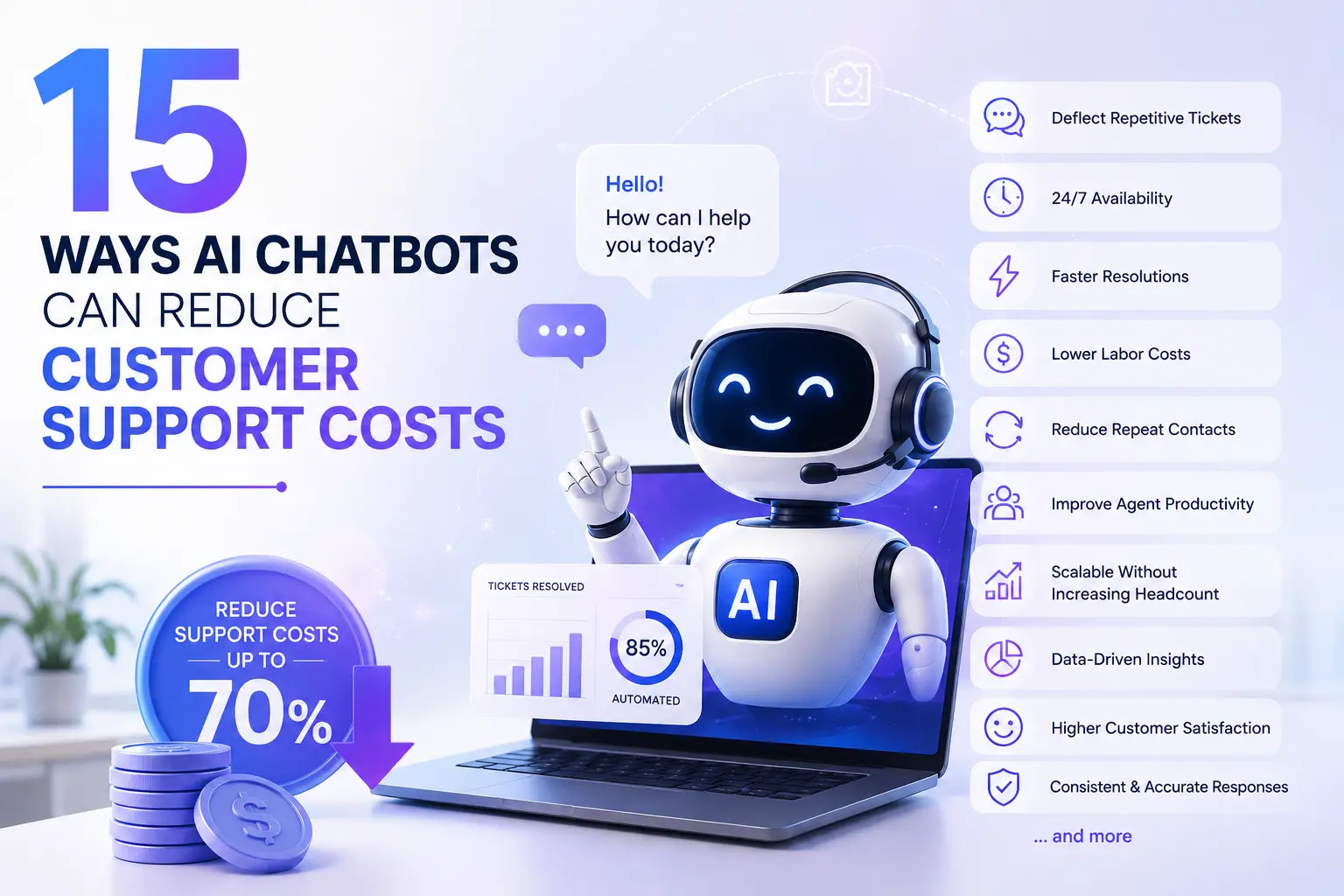
A brand-new website should not feel lonely. When you launch on DreamHost with Liftoff and add a noem.ai chatbot, your site greets every visitor right away. It answers questions, captures leads, and keeps a clean record of every chat. You get fast help for your buyers, and you stay in control with clear data. This post shows how to make that happen today.

Subtitle: Launch fast with DreamHost Liftoff, then greet every visitor with noem.ai—day and night.

Key Points

  • Faster Response Times for Visitors
  • 24/7 Customer Support Availability
  • Lead Capture from Website Conversations
  • Complete Conversation History

Why Instant Support Matters on Day One

Launching a new site is exciting, but the first visitors decide fast if they will stay. If they do not get answers quickly, they bounce, and you lose a chance to make a sale. Instant support changes that by giving clear guidance on the page they are viewing. With DreamHost Liftoff, your WordPress site goes live in under 60 seconds, so you can start serving visitors right away (ref: DreamHost AI Website Builder; ref: DreamHost Press Release). Then a noem.ai chatbot adds instant replies, so your site never misses a hello (ref: noem.ai AI Chatbots).

  • Bold First Impression: Early visitors want to know what you offer, how it works, and what to do next. A helpful chat bubble on your homepage gives them a safe place to ask simple questions. With instant answers, visitors see value and trust you more. That trust makes them more likely to click, read, and buy (ref: noem.ai AI Chatbots).
  • From Clicks to Conversations: Many people scan pages and never reach out, even if they are interested. A friendly chatbot meets them where they are and invites a quick question. This lowers the barrier to contact and makes it easy to collect their name or email with permission. Over time, this flow grows your list and your pipeline (ref: noem.ai Help Center).
  • Ready on Every Page: DreamHost Liftoff helps you go live fast and simplifies setup through the WordPress Install Assistant, so you can focus on your message instead of code (ref: DreamHost Liftoff Overview). Once the site is up, you add the noem.ai snippet to your theme or header. From there, the chatbot is available on every page you choose. This gives a smooth experience for every visitor, on desktop or phone (ref: Install noem.ai on Any Website).
  • Simple for Small Teams: If you are a small business, you do not have time for complex tools. DreamHost’s Liftoff does the heavy lifting to publish your site in under a minute (ref: DreamHost AI Website Builder). Then noem.ai bundles building, hosting, syncing, and analytics so your chatbot is live in minutes instead of weeks (ref: noem.ai). This saves hours and keeps your team focused on service and sales, not setup.

Faster Response Times for Visitors

Fast answers make people feel heard. When your site loads with a noem.ai chatbot, visitors can ask questions right away. There is no form to wait on and no email delays. This cuts friction and keeps buyers moving forward. Pairing this with DreamHost Liftoff means your WordPress site is ready fast, so your instant support can start day one (ref: DreamHost Press Release; ref: noem.ai AI Chatbots).

  • One Snippet, Instant Replies: Add a small JavaScript snippet from noem.ai to your DreamHost site, and the chat widget appears on your pages (ref: Install noem.ai on Any Website). From the first second, visitors can ask about pricing, features, or steps to get started. The chatbot responds right away, using your content and the knowledge you synced. This removes wait time and keeps the session active.
  • Answers That Stay Fresh: noem.ai syncs your website and files, so your bot reflects the latest updates automatically (ref: noem.ai). If you change a page, the bot can use the new info without a long delay. This gives visitors accurate information and builds trust. You spend less time updating a knowledge base and more time growing your site.
  • Launch Fast with Liftoff: DreamHost’s Liftoff is built to remove setup steps and publish a custom WordPress site quickly (ref: DreamHost Liftoff Overview). You answer a few questions, and it creates pages with a layout that fits your brand (ref: DreamHost AI Website Builder). This means you can deploy your site and your chatbot in the same day. Speed like this helps you catch early traffic and learn from it.
  • Measurable Speed Wins: Many sites see faster engagement when chat is present because the response feels human-fast. With noem.ai, teams report large cuts in basic support needs, which frees people to handle deeper tasks (ref: noem.ai AI Chatbots). When visitors get answers quickly, they stay longer and view more pages. That added time often leads to more sign-ups and more sales.

24/7 Customer Support Availability

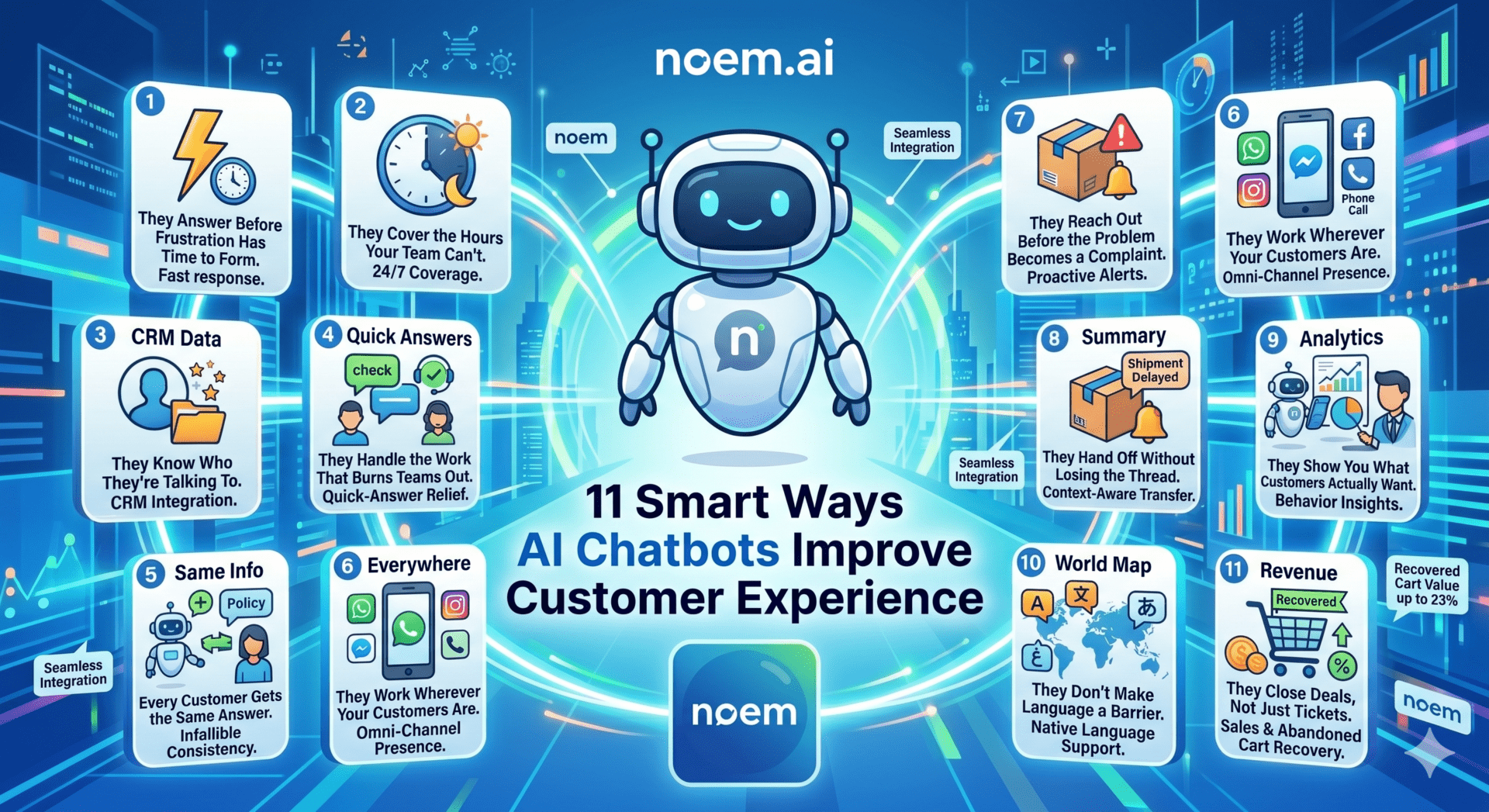
Your new site should never be “closed.” People visit at all hours, from phones and laptops across the world. DreamHost offers 24/7/365 support for its hosting customers, and it supplies an AI-powered Help Center and panel tools that make help easy to find (ref: DreamHost AI Website Builder). When you add noem.ai, your site can answer questions for your own visitors day and night, too (ref: noem.ai AI Chatbots). This means your website keeps talking even when your team is asleep.

  • Always On for Buyers: A chatbot does not need breaks or vacations. It greets visitors at midnight, on weekends, and during storms. This constant support makes your site feel reliable and kind. People can take the next step when it is best for them, and that removes friction from your sales.
  • Matches DreamHost’s Round-the-Clock Promise: DreamHost’s platform is built for speed and steady help, with multiple support channels available any time (ref: DreamHost Features). Your noem.ai chatbot mirrors that always-on model for your own customers, so they get help right on your site (ref: noem.ai AI Chatbots). This keeps all support in one place and lowers the chance of missed questions. The result is a smoother experience for both sides.
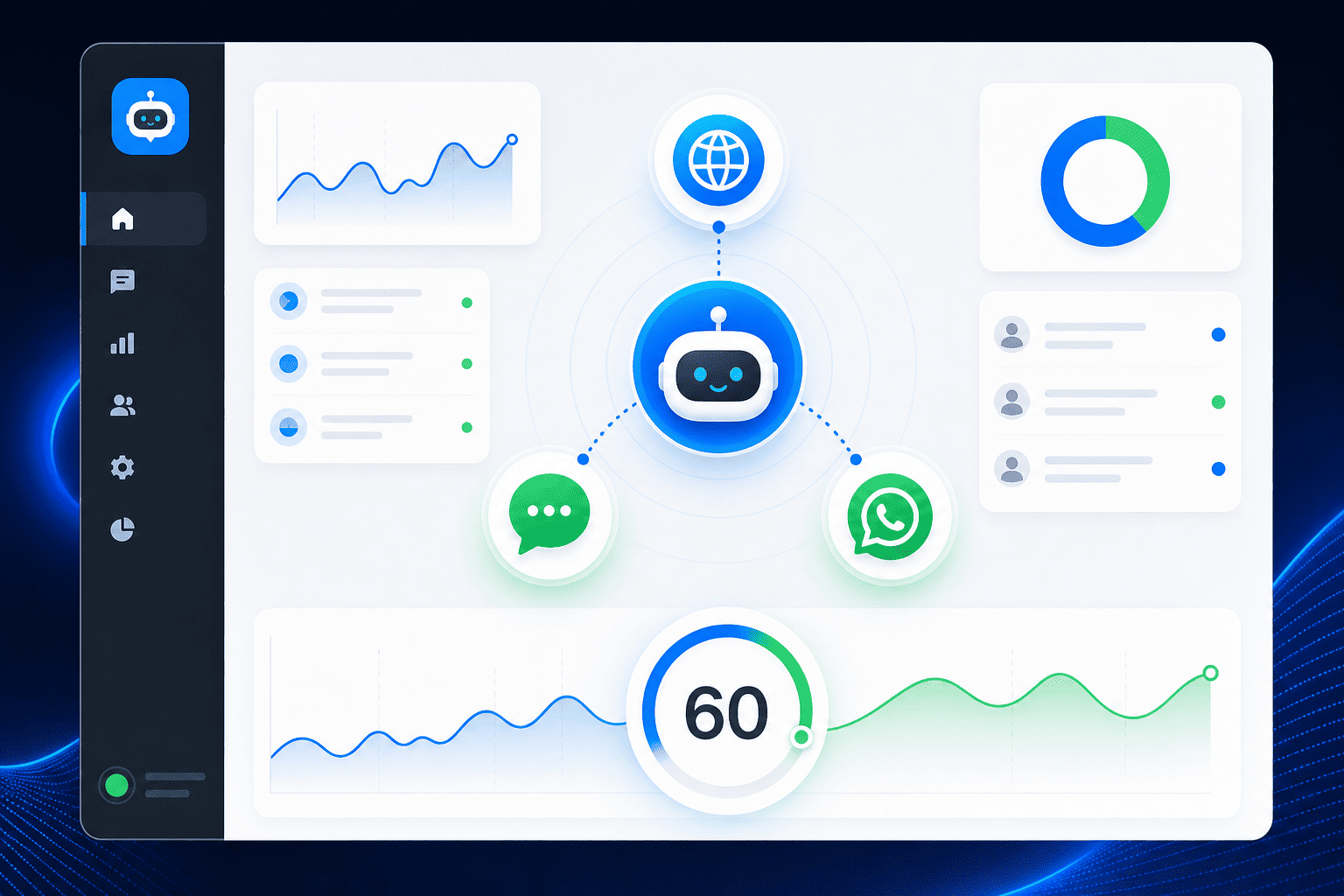
  • Multichannel, Same Brain: noem.ai lets you deploy the same bot to your site widget, WhatsApp, SMS, Facebook Messenger, and more from one dashboard (ref: noem.ai). This means buyers can reach you where they prefer, and the answers stay consistent. You do not need to rebuild flows for each channel. It is one brain, many doors.
  • Real-Time Insights, Real-Time Fixes: When your bot is active all day, you see patterns in the questions people ask. The noem.ai dashboard shows which topics drive the most chats and where people get stuck (ref: noem.ai AI Chatbots). You can then adjust your pages to remove confusion. This continuous loop helps your site improve every week.

Lead Capture from Website Conversations

Conversations are a friendly way to collect leads. Visitors share details because the chat feels like help, not a form. With noem.ai, you can ask for a name, email, or project needs at the right time in the chat. That data moves to your tools using APIs or webhooks, so your follow-up stays quick and tidy (ref: noem.ai REST API; ref: noem.ai Help Center).

  • Natural Conversation, Clear Opt-In: The chatbot can invite someone to share their details when it fits the flow. Because the request comes after value, people are more likely to say yes. You get cleaner, more complete data. That leads to better follow-up and more booked calls (ref: noem.ai AI Chatbots).
  • Data You Can Use Right Away: noem.ai can send chat details to your CRM, help desk, or custom endpoint in real time (ref: noem.ai REST API). This keeps your team in the loop without copy-and-paste. It also creates one source of truth for your pipeline. When conversations turn into tasks, nothing gets lost.
  • Stats That Signal Growth: Chat-led journeys can have strong conversion lifts. Reports show large gains in conversion rates and big drops in cart abandon when a helpful guide is present (ref: noem.ai AI Chatbots). This matters for small teams who need every visit to count. A steady drip of new leads builds into steady revenue.
  • Built for Speedy Setups: Because DreamHost Liftoff gets your site online fast, you can test lead capture the same day (ref: DreamHost AI Website Builder). With noem.ai’s no-code builder, you design the prompts and add fields without custom dev work (ref: noem.ai). In minutes, your site can both answer questions and collect contacts. That is a powerful combo for a brand-new site.

Complete Conversation History (and Why It Matters)

Good support creates good records. With full transcripts, you can see what people ask, how the bot answers, and what needs to improve. noem.ai stores complete chat history and can summarize learnings on a schedule, so your leadership can review outcomes at a glance (ref: noem.ai AI Chatbots). This makes real, steady progress possible. Pair this with DreamHost’s clean dashboard and tools, and you get a simple, strong setup (ref: DreamHost Liftoff Overview).

  • Searchable Transcripts: Every chat is saved, so you can search by topic, page, or date. This helps you find patterns and fix content gaps. It also makes training easier when new team members join. They can read how the best answers are phrased and match the same tone (ref: noem.ai Help Center).
  • Privacy by Design: You can decide what fields to collect and how to store them. Sensitive details can be hidden or masked in logs. This protects your customers and your brand. It also keeps your legal team happy (ref: noem.ai Help Center).
  • From History to Action: noem.ai highlights questions the bot could not answer, so you can fix the gaps (ref: noem.ai AI Chatbots). You can then update your site or teach the bot with one click, which keeps answers current. Over time, this lowers repeat questions and boosts self-serve success. Your team spends more time on high-value work.
  • Simple Handoffs When Needed: If a chat needs a human, your team can jump in live using the tools you already use. Because the full history is there, the handoff feels easy and fast for the visitor. There is no need to ask the same question twice. That saves time for everyone (ref: noem.ai Help Center).

How to Launch: DreamHost Liftoff + noem.ai in Minutes

Getting started should be simple, and here it is. First, use DreamHost Liftoff to create and publish your WordPress site in under a minute. The builder suggests layouts and makes pages fast, letting you skip manual setup steps (ref: DreamHost AI Website Builder). Next, open your noem.ai dashboard to build your bot. You can ingest content from your pages, files, and links, then paste one script tag into your site to go live (ref: Install noem.ai on Any Website).

  • Step 1: Launch with Liftoff: Go to DreamHost, choose Liftoff, and answer the setup prompts. The tool spins up a WordPress site with a starter design and structure (ref: DreamHost Liftoff Overview). You get a clear dashboard and an editor that feels familiar. This keeps you moving without technical hurdles (ref: DreamHost Press Release).
  • Step 2: Build Your Bot in noem.ai: Inside noem.ai, design the chat flow with a no-code builder and sync knowledge from your site and files (ref: noem.ai). You can set tone, add FAQs, and create prompts for lead capture. Real-time analytics show what works. Missed question alerts help you fix blind spots fast (ref: noem.ai AI Chatbots).
  • Step 3: Install the Snippet: Copy the script from noem.ai and add it to your WordPress header using a theme option or header plugin (ref: Install noem.ai on Any Website). Publish, refresh, and your chat bubble appears. Test a few common questions to check tone and accuracy. Then turn on lead capture prompts.
  • Step 4: Connect Your Tools: If you want to send leads or events to other apps, use the REST API or webhooks (ref: noem.ai REST API). You can also deploy the same bot to other channels like WhatsApp or SMS. This lets visitors choose how to reach you. You keep one brain, one knowledge set (ref: noem.ai).

Real Results You Can Track

Numbers help you know what is working. With noem.ai and DreamHost, you can track key metrics in your dashboards. For example, teams see big drops in basic support needs when the chatbot answers common questions, and they see higher conversion rates when the chat helps guide buyers through steps (ref: noem.ai AI Chatbots). DreamHost’s fast start and stable hosting keep the experience smooth while you test. Small wins add up to big growth.

  • Fewer Repeats, More Results: As the bot learns your content, it answers more on its own. That means fewer simple emails for your team and faster help for visitors (ref: noem.ai AI Chatbots). You will likely see higher page time and more actions taken, like adding to cart or booking a call. This shows your experience is getting better.
  • Conversion Lift from Guided Help: Helpful nudges in chat lead more people to finish the next step. This can raise conversion rates and cut cart drops because the visitor never feels stuck (ref: noem.ai AI Chatbots). When buyers are supported in the moment, they can complete checkout with confidence. That is a big deal for small teams.
  • Continuous Improvement Loop: With complete transcripts and analytics, you can update pages, pricing, and content based on real questions (ref: noem.ai Help Center). When you improve the site, the bot improves too, thanks to content sync. This loop keeps your support sharp as your business grows. It also keeps new hires aligned with your best answers.
  • Video and Docs to Help You Ship: If you like step-by-step walkthroughs, DreamHost and noem.ai both publish guides and videos. You can watch product tours and how-tos to move faster (ref: YouTube Walkthrough; ref: noem.ai Help Center). Clear help means less trial and error. You launch sooner and learn sooner.

Why Choose noem.ai for Your DreamHost Launch

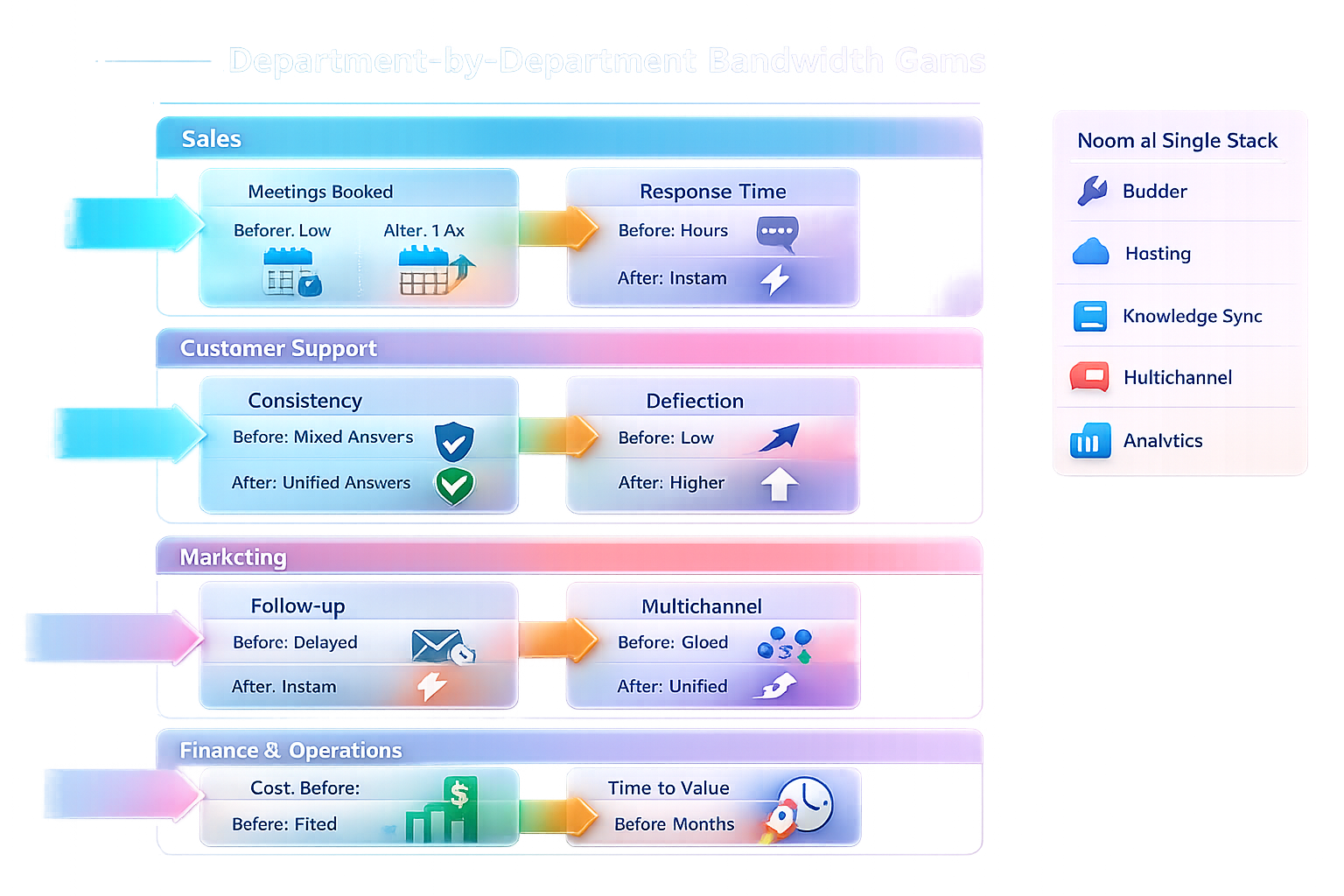
noem.ai focuses 100% on chatbots. It bundles builder, hosting, sync, multichannel deploy, and analytics into one stack, so you can go live in minutes with clear pricing that grows as you grow (ref: noem.ai). This single-stack approach is simple for small business owners who need results fast. It also means better trust: the bot pulls from your latest content and keeps answers current. That makes your new DreamHost site feel polished from day one (ref: DreamHost AI Website Builder).

  • Built for Business Owners: You do not need to code or manage many tools. noem.ai gives you one dashboard to build, sync, deploy, and analyze (ref: noem.ai). DreamHost gives you fast, stable hosting and an easy path to publishing. Together, they remove blockers and reduce setup time.
  • Predictable Costs, Predictable Growth: With usage-based pricing and simple controls, you can plan your spend as your site grows (ref: noem.ai). You will not worry about complex license bundles or surprise fees. This helps you invest where it matters most: better content, better offers, better service.
  • Strong Foundation for Scale: As your traffic grows, your chat volume grows too. noem.ai’s stack is built to scale across web and messaging channels without reinventing your bot each time (ref: noem.ai). DreamHost’s WordPress platform and tools keep the site side smooth. This pairing gives you confidence to run campaigns without breaking your support.
  • Trusted, Supported, Documented: Both DreamHost and noem.ai provide deep help centers and clear docs. If you get stuck, you can find answers quickly or reach support (ref: DreamHost Liftoff Overview; ref: noem.ai Help Center). This saves time and stress. It also shortens the path from idea to live feature.

Putting It All Together: A Day-One Playbook

You can launch a new site with real support in one day. DreamHost Liftoff publishes your WordPress site in under 60 seconds, and noem.ai starts helping visitors right away (ref: DreamHost Press Release; ref: noem.ai AI Chatbots). Your visitors get fast answers. You get clean leads and a history of every chat.

  • Morning: Spin up your site with Liftoff. Pick a style, add your name, and publish (ref: DreamHost AI Website Builder). Add a few must-have pages like Home, About, Services, and Contact. Make sure each page says what visitors should do next. Clear pages help the chatbot guide people.
  • Midday: Build your bot in noem.ai. Add your FAQs, pricing, and services as knowledge sources (ref: noem.ai). Create prompts that ask for contact details after the bot helps. Set up alerts for missed questions so you can improve quickly (ref: noem.ai AI Chatbots).
  • Afternoon: Install the script and test on your home page (ref: Install noem.ai on Any Website). Ask common questions and see how the bot answers. Tweak your content or the bot settings to match your voice. Turn on lead forwarding with the REST API or a webhook (ref: noem.ai REST API).
  • Evening: Review your first transcripts in the noem.ai dashboard and note which pages people visit. Update those pages to fix gaps. Then publish the bot sitewide so it greets visitors across your funnel. Your support is now live, always on, and getting better every day (ref: noem.ai Help Center).

Final Word: Make Your New Site Feel Alive

When you pair DreamHost Liftoff with noem.ai, your site does more than load—it welcomes. Visitors get faster answers, 24/7 help, lead capture in the flow, and a clean record of every chat for your team to learn from (ref: DreamHost AI Website Builder; ref: noem.ai AI Chatbots). This is a simple, strong setup for small teams that need to move fast. If you are launching soon, make your support part of day one. Ready to ship your site and greet your first visitor with confidence using noem.ai and DreamHost?

Want help setting this up? Reach out at noem.ai, explore the docs at noem.ai Help Center, or start building your bot now at noem.ai AI Chatbots. Your next visitor is already on the way.

Focus on Decisions, We’ll Handle the Rest

While you make strategic decisions, Let Agent Noems efficiently run your company’s departments:

  • AI Support Chatbots
  • Lead Conversion Chatbots
  • Coaching Chatbots
  • Onboarding Chatbots
  • Virtual Clone Chatbots
Try It for Free

Where should we send your invitation to?