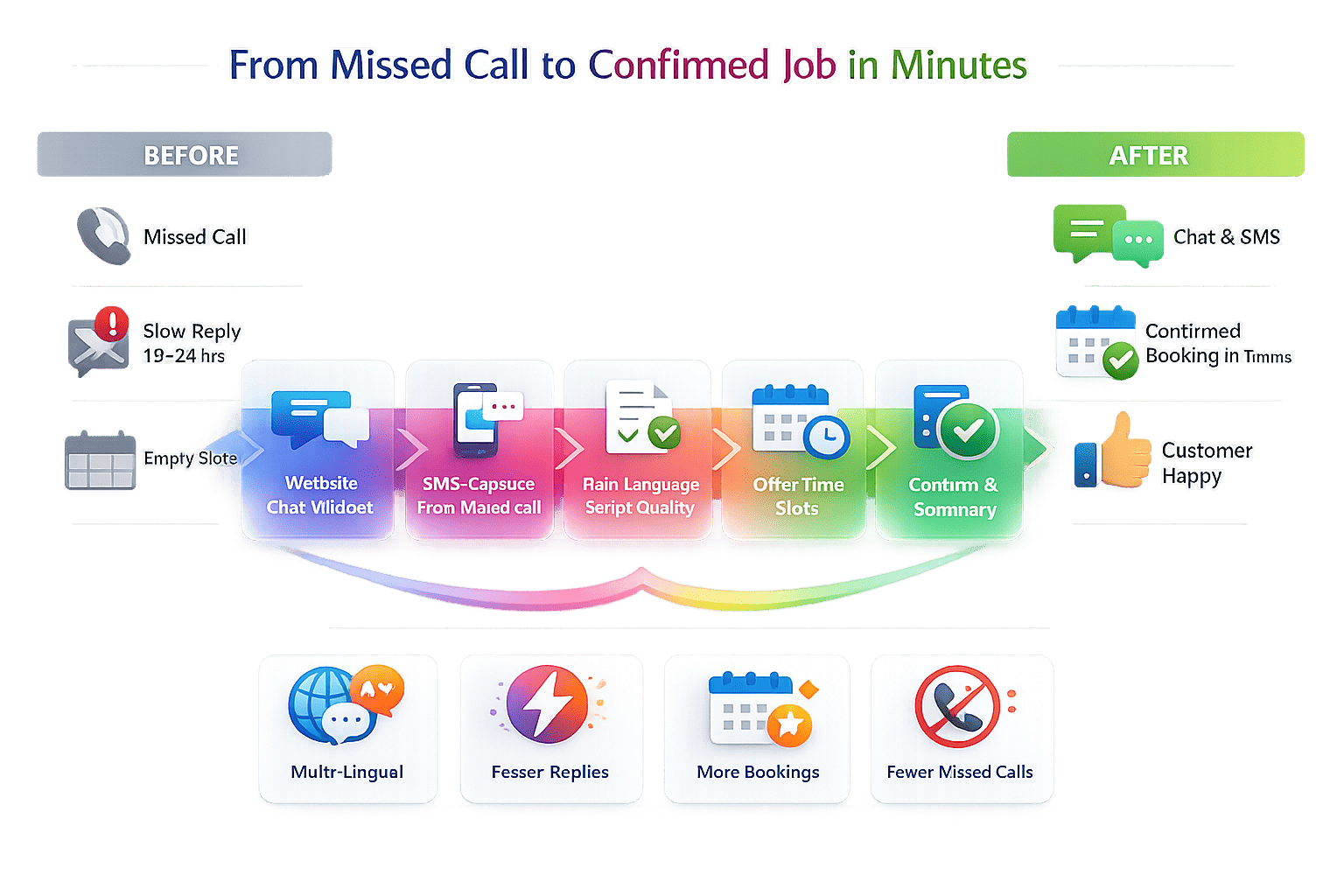
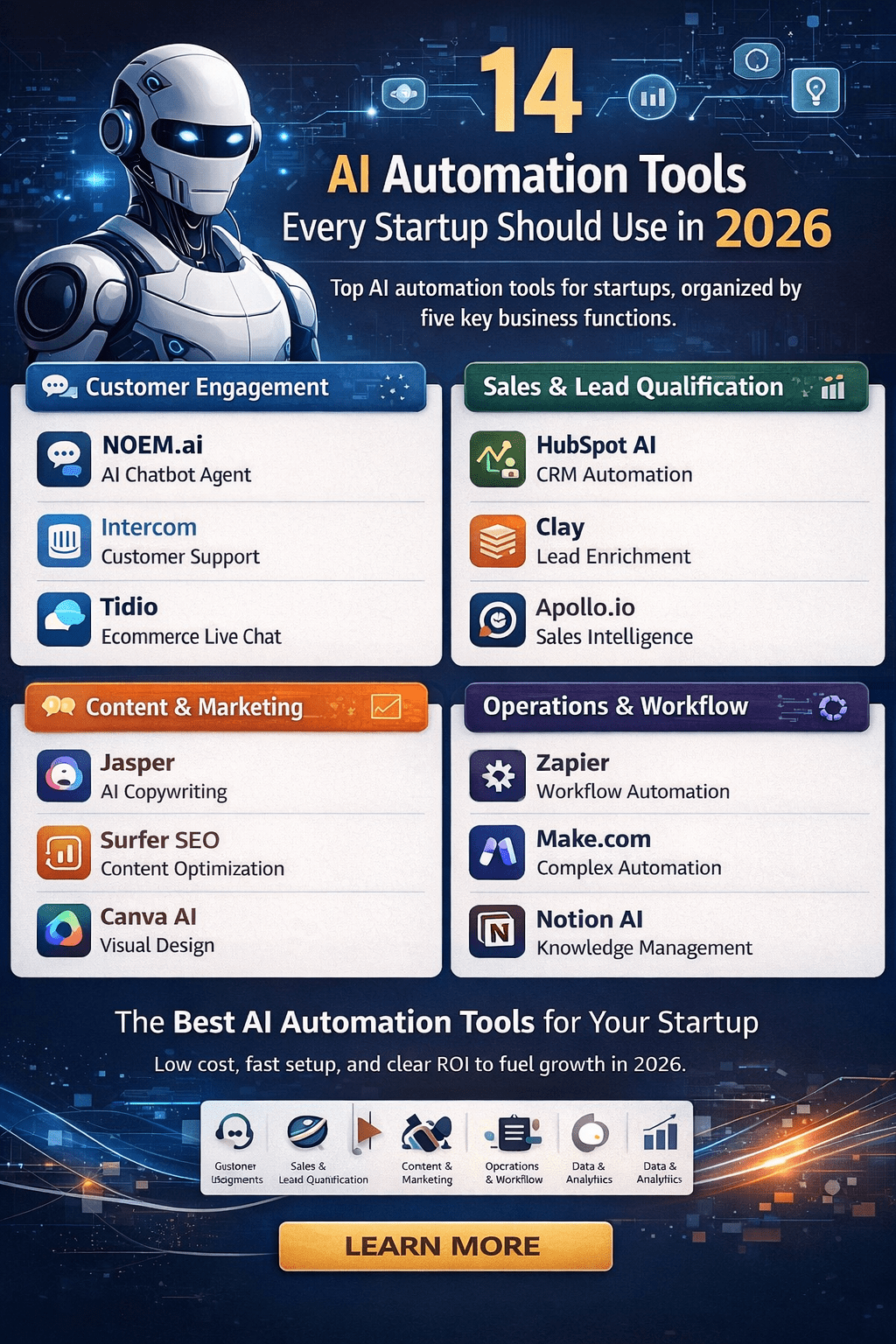
When your website goes live, every visitor matters. First impressions should be fast, helpful, and clear. With Bluehost’s AI Website Builder handling setup and hosting, and noem.ai welcoming visitors with instant answers, you cover both speed and support from day one. This pairing helps you publish a professional WordPress site in minutes and turn every conversation into a chance to convert. It’s a simple approach for small business owners who want less tech overhead and more real results (ref: Bluehost).
Why Instant Support Matters on Day One
- Faster websites keep people on your pages, and slower ones build doubt. Bluehost’s infrastructure is built for speed and reliability, including a published 99.99% uptime target that keeps your site available for customers around the clock. That means when someone clicks, they don’t bounce because the page is down. Quick load times also help your site feel more polished and trustworthy. When visitors get answers right away, they are more likely to stay, read, and buy (ref: Bluehost; Bluehost AI).
- New sites need to answer common questions without delay. People often ask about pricing, hours, shipping, or booking right on their first visit. With a chatbot, you can give clear answers fast, even late at night. This helps you keep leads engaged while you sleep. Over time, less waiting means more trust and more conversions.
- Launch speed matters for your brand and for your cash flow. Bluehost’s AI Website Builder can set up a complete WordPress site from a prompt in minutes, so you go from idea to a live site without long delays. Tutorials and demos show users building a site in under 10 minutes using the WonderSuite tools, then customizing content inside WordPress right away. When it’s fast to launch, you can test ideas and improve without paying for weeks of development time (ref: Bluehost Blog; Bluehost WonderSuite; Newfold Digital; YouTube: Bluehost AI).
- Support should be always-on, especially for new stores and service pages. Bluehost includes 24/7 expert support via chat to help you get set up and stay online. Its WonderSuite tools, including WonderHelp, guide you as you build content and layouts right inside WordPress, so you’re never stuck on what to do next. This means you have human help plus helpful in-editor guidance at all times (ref: Bluehost AI; WonderSuite).
- Pair that with noem.ai to greet every visitor with answers tailored to your business. The noem.ai platform is a fully integrated, no-code chatbot system that lets you upload knowledge, sync it from your website, and deploy to web chat, WhatsApp, SMS, and more. You can start with a simple on-site chat and expand to other channels later. With one dashboard for building, hosting, and analytics, you can go live fast and keep improving without complex tools. This is a clean way to give instant help from the first click to the final sale (ref: noem.ai).
How Bluehost Sets the Stage for Speed and Confidence
- Launch a WordPress site in minutes, not weeks. Bluehost’s AI builder helps you generate a complete site with layouts, copy, and images by answering a few questions. Once created, you edit inside WordPress with WonderSuite, refining your pages and brand without code. Demos show site creation in under 10 minutes, which is a huge change from traditional manual setup. That speed gives you time back for sales and marketing, not just tech setup (ref: Bluehost Event Blog; YouTube: AI Generator; Bluehost AI).
- Keep your site up and fast with strong hosting. Bluehost emphasizes 99.99% uptime and high-performance infrastructure, which is key for new businesses that can’t afford downtime. Reliable uptime helps your chat and lead forms work when customers visit, even during busy times. A stable host also protects your brand’s first impression. It’s easier to serve customers when your site simply stays online (ref: Bluehost).
- Get help any hour of the day. Bluehost provides 24/7 live expert support by chat, so beginners and busy owners can ask for help on setup, security, and performance. This is helpful when you need to fix something fast or make a change before a big sale. You can ask questions about plugins, domains, or SSL and keep moving. Knowing help is there reduces the stress of managing your website alone (ref: Bluehost AI).
- Build with WonderSuite to stay guided and confident. WonderSuite brings tools like WonderHelp right into the WordPress experience. As you create pages, the assistant suggests content and layouts to make the site clearer and easier to use. This is great for non-technical users who want a good-looking site without hiring a designer. You can add forms and eCommerce features through WonderCart and other tools as you grow (ref: WonderSuite; Bluehost Blog).
- Make lead capture simple from day one. Tutorials show that the AI builder can set up contact pages and essential plugins so you can collect names, emails, and questions quickly. This helps you stay organized and turn website visits into conversations and sales. You can customize what you ask for in forms without code. As your site scales, you can connect leads to your CRM of choice (ref: YouTube: Bluehost AI; Bluehost Blog).
How noem.ai Completes the “Always-On” Support Layer
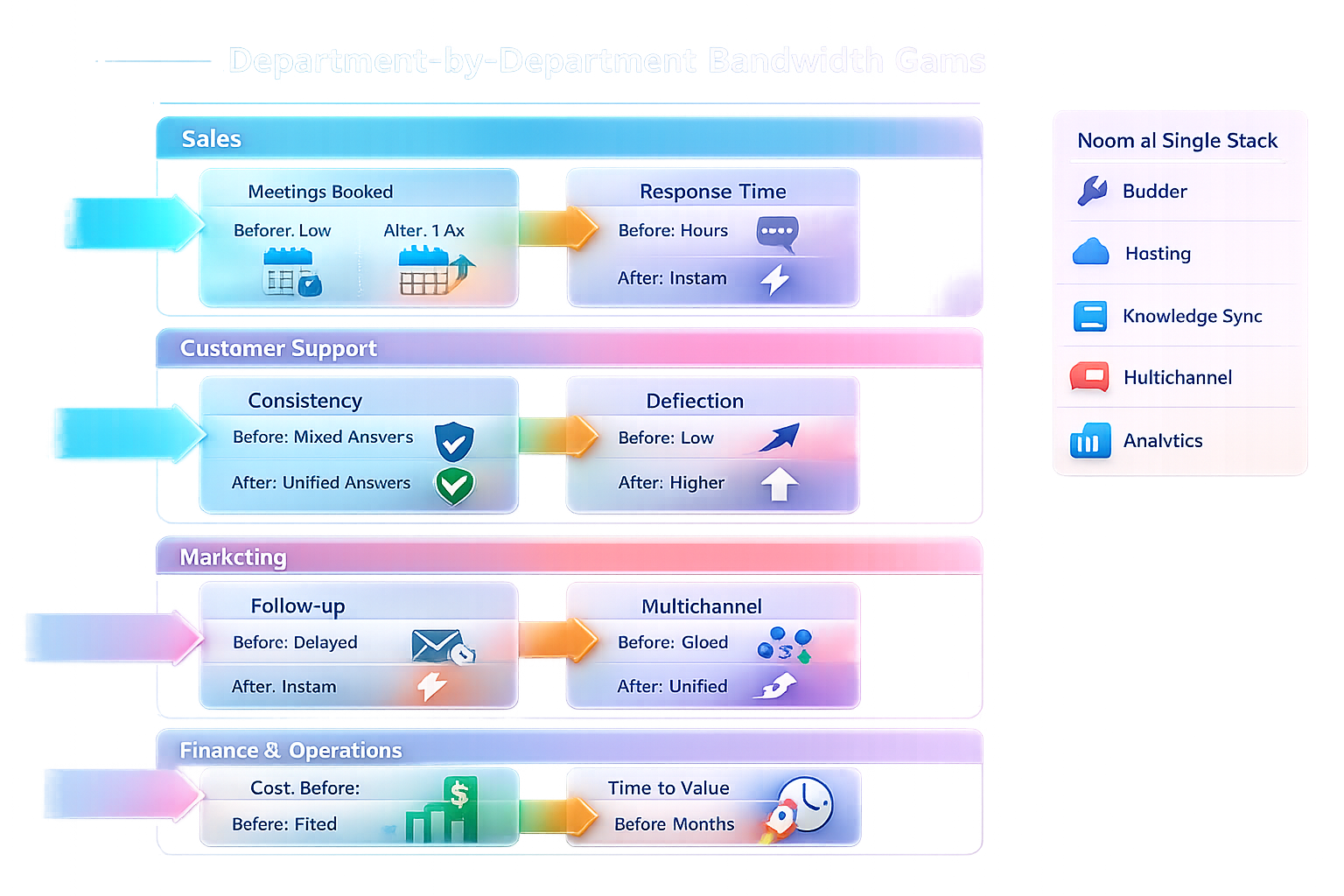
- Connect knowledge and launch a helpful chat in minutes. With noem.ai, you design conversation flows, sync knowledge from your website or files, and turn it into a live chat on your site with no code. The builder, hosting, knowledge sync, and analytics are all in one place, so you don’t juggle five different tools. Usage-based pricing scales with your traffic, which keeps costs predictable as you grow. This gives you the speed, simplicity, and trust you want from day one, without extra overhead (ref: noem.ai).
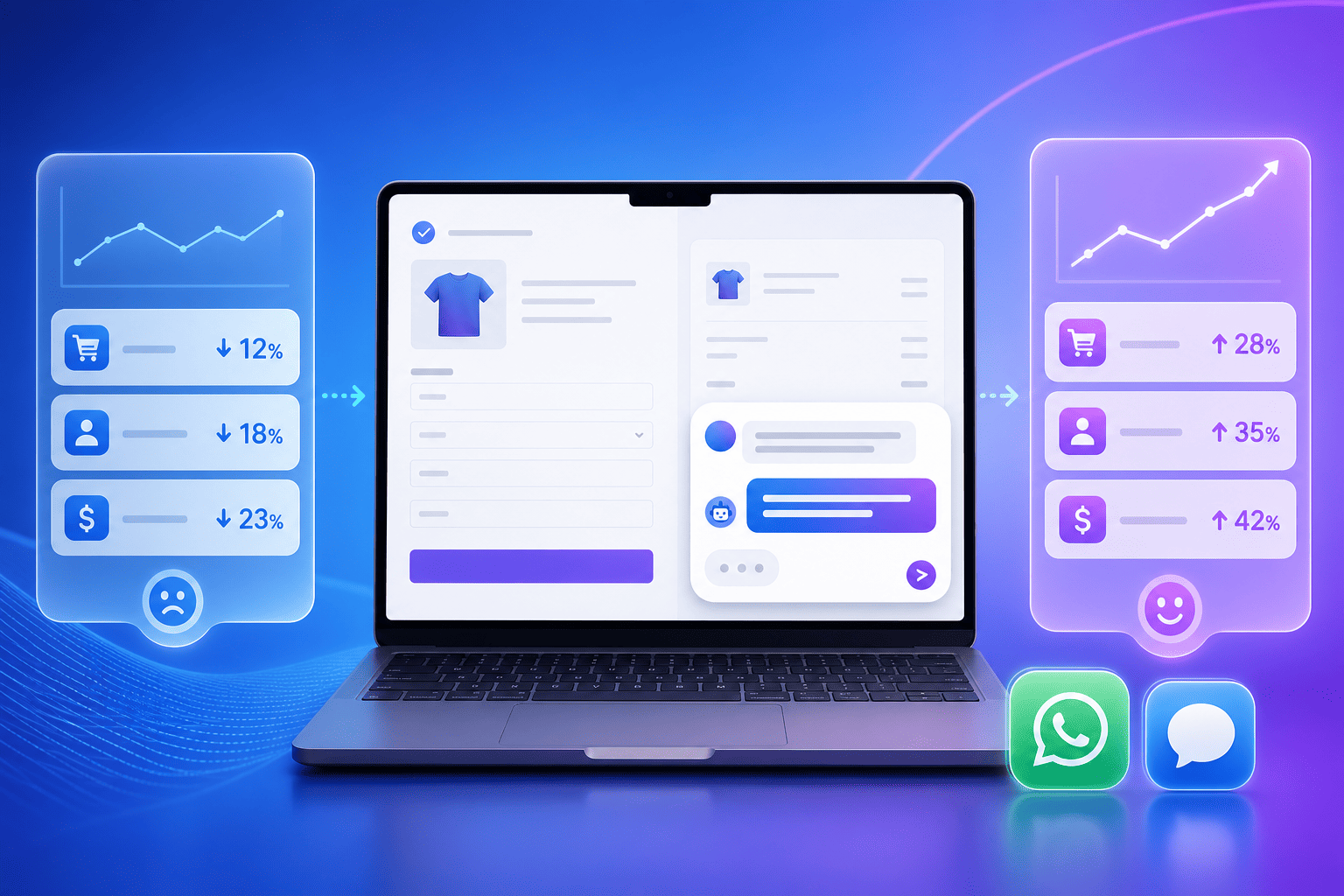
- Faster response times for visitors, right on the page. When someone lands on your homepage, service page, or product page, the noem.ai widget can greet them and answer common questions instantly. No waiting for an email reply or a next-day call. Customers get clear answers on hours, booking, shipping, or pricing without hunting through menus. That speed keeps people on the page longer and leads to more checkouts and inquiries (ref: noem.ai).
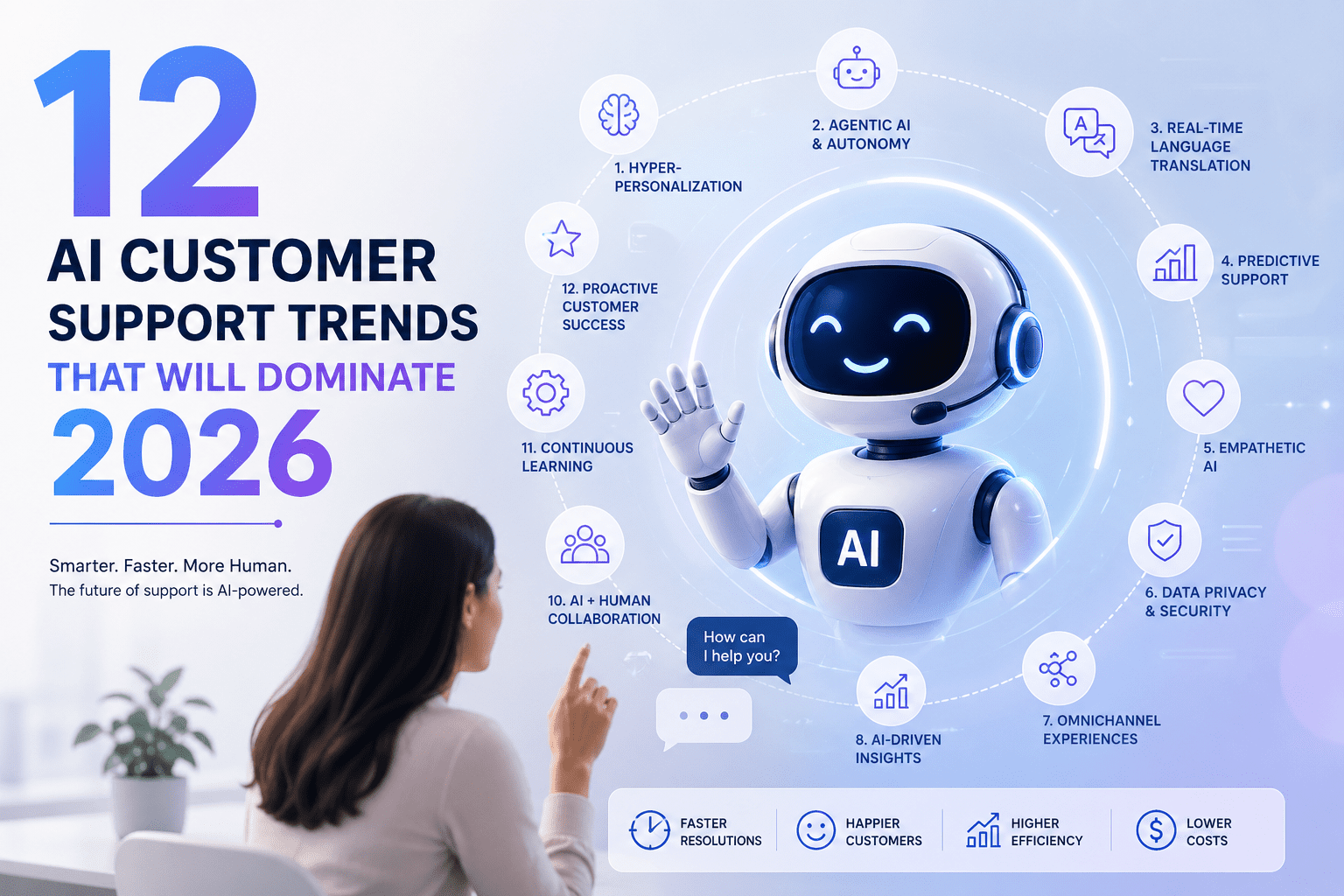
- 24/7 customer support availability, without hiring a large team. The chat stays online all night and all weekend, so your small team can rest while your website still helps people. If a question is too complex, you can collect the visitor’s name, email, and question, so your team can follow up later. This keeps the conversation going even when you’re away. It’s a simple way to serve more customers without adding complex workflows you don’t need.
- Lead capture from website conversations, baked in. With noem.ai, you can capture contact info the moment a visitor shows interest. Ask for an email when someone requests a quote, or collect a phone number for a callback on a big purchase. Because the chat happens right on your page, more visitors are willing to share what they need. This turns casual browsing into real leads your team can work.
- Complete conversation history so nothing gets lost. Every chat is saved, so you can review what people ask most and what answers help them stay on the page. This history helps you update your site and your bot with better answers over time. Real-time analytics show missed questions and let you retrain with one click, so your answers stay fresh as your offers change. Your team always has context, which makes follow-ups faster and friendlier (ref: noem.ai).
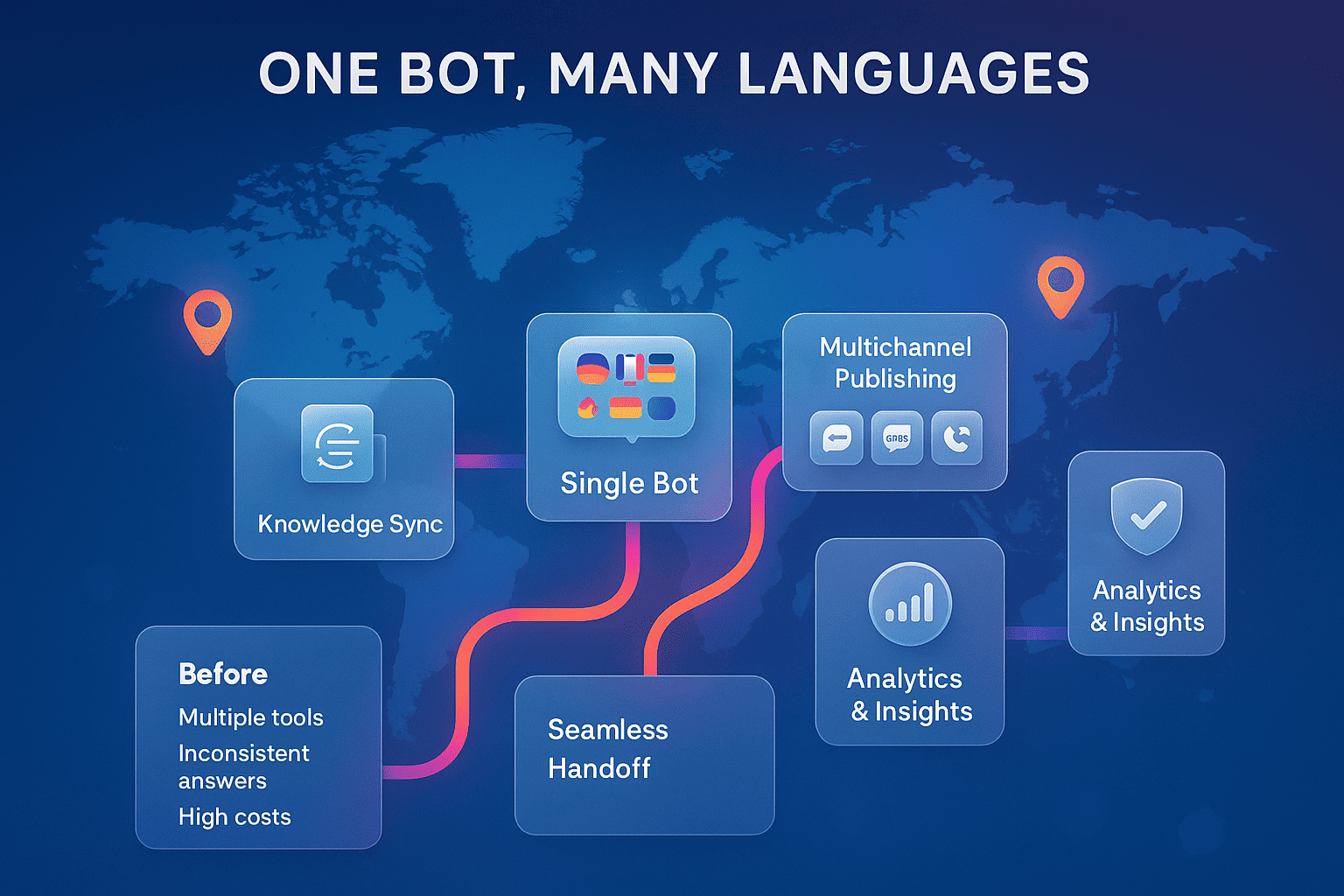
- Multichannel reach when you’re ready. Start with your website widget and later expand to WhatsApp, SMS, or Facebook Messenger from the same dashboard. This helps you meet customers where they already are, without setting up a new tool for each channel. Your content stays synced, so answers are consistent everywhere. It’s a future-proof path that grows with your business (ref: noem.ai).
The Setup Playbook: Live in a Day with Bluehost + Noem.ai
- Step 1: Build your site with Bluehost’s AI Website Builder. Sign up, answer a few questions about your business, and let WonderSuite draft pages, layouts, and starter copy. In demos, this takes under 10 minutes to generate a working WordPress site. Open WordPress and refine text and images to match your brand. Keep it simple: clear homepage, services or products page, contact page, and a basic FAQ (ref: Bluehost AI; YouTube: Bluehost AI; WonderSuite).
- Step 2: Add simple lead capture. Make sure your contact page is live with a clean form. If you sell online, ensure your cart and checkout are visible and easy to use. If you book calls or appointments, place the booking link in your top menu and on your homepage. Keep forms short so more people complete them (ref: Bluehost Blog).
- Step 3: Turn on instant chat with noem.ai. Create a noem.ai account, paste in your homepage URL, and upload your FAQ or product sheets. Choose a friendly greeting that invites questions, like “Hi there! Can I help you pick the right plan?” Place the widget on your homepage and key sales pages. Test the chat by asking your top five customer questions, then tweak any answers you want to improve.
- Step 4: Decide when to ask for contact info. For price quotes, set the chat to request a name and email after it gives an answer. For service pages, ask for a phone number only if the visitor wants a callback. Keep it helpful first, then ask for details second. This approach grows your leads without feeling pushy.
- Step 5: Monitor analytics and refine. In noem.ai, check missed questions and use one-click retraining to add better answers. In Bluehost and WordPress, review which pages get the most visits and improve them with clearer headings and calls to action. If a product gets the most questions, add a short FAQ section to that page and update your bot’s knowledge. Small changes each week will raise your conversion rate over time (ref: Bluehost AI; noem.ai).
- Step 6: Extend to more channels when ready. After your web chat performs well, deploy the same knowledge to WhatsApp, SMS, or Facebook Messenger from your noem.ai dashboard. Keep a simple voice and keep answers short. Make sure your call to action points back to your site, your booking page, or your checkout. This lets you reach customers in more places without extra setup work.
What You’ll Measure: Speed, Availability, and Conversations That Convert
- Speed to launch: minutes vs weeks. With Bluehost’s AI tools, you can generate a working site in minutes rather than wait for long manual builds. Public demos and announcements show site creation happening in under 10 minutes, which is fast enough to launch in a single afternoon with content editing included. This means you can go from “idea” to “live” and start testing offers right away. Speed to launch is often the difference between starting now and getting stuck for months (ref: Bluehost Event Blog; Newfold Digital; YouTube: Bluehost AI).
- Availability and uptime: keep the doors open. Bluehost emphasizes reliable hosting with 24/7 support and 99.99% uptime targets, which keeps your site available when visitors arrive. This stability makes your chat, forms, and checkout consistently usable. When your site stays online, visitors trust you more. It’s the foundation for every other conversion you care about (ref: Bluehost AI; Bluehost).
- Response time for visitors: instant answers win. With noem.ai, visitors can get fast answers directly on the page instead of waiting for email replies. This reduces drop-off for shoppers who just need one or two details to feel confident. When answers arrive on the first visit, more people buy and fewer bounce. Quick help turns more visitors into leads and orders.
- 24/7 coverage: meet people in their time zone, not yours. If you run a local shop, people still browse after hours. If you sell across regions, night traffic can be heavy. Keeping chat available at all times means people get help when they are ready to buy. That steady coverage is key for steady growth.
- Lead capture and follow-up: every chat is a chance to grow. Ask for an email when a visitor requests a quote or needs a guide. Use the chat to route people toward your best next step, like “Book a Call” or “Start Free Trial.” Store complete conversation history so your team knows what to say next. You’ll spend less time starting from zero and more time closing sales.
- Conversation history and insights: upgrade what works. Review which questions come up most and update your content and bot answers to match. If you notice repeated confusion about pricing or shipping, make that clearer on your pages. As answers get better, your conversion rate tends to rise. This creates a loop where your website and your chat both improve week by week.
Real-World Flow: What a Visitor Experiences on Your New Site
- They land fast on a clean, working site. Thanks to Bluehost’s AI builder and hosting, the page loads quickly and stays up. Clear headings and simple menus guide them to your product or service. They see trust markers like contact info and friendly copy. Nothing feels slow or broken, which builds confidence (ref: Bluehost AI).
- A friendly chat greets them with helpful choices. The noem.ai widget offers quick prompts like “See pricing,” “Check availability,” or “Ask a question.” The visitor clicks one, and the bot answers fast in plain language. If they need more, it will ask for an email or phone number to follow up. The visitor never feels stuck, which keeps them moving forward.
- They get the answer they need and take the next step. If they wanted pricing, they see it. If they needed a booking, they get a link or open slots. If they wanted a quote, they can share details and get a promised follow-up. Each step feels easy and guided.
- Your team sees the full conversation later. In noem.ai, the chat history is saved with what the visitor asked and what the bot said. Your team can respond with the right context, which saves time and avoids back-and-forth questions. You can also improve your site copy based on common questions. This keeps your website learning from real visitor needs.
- The next visit is even better. With noem.ai analytics and Bluehost’s stable hosting, you fine-tune what works. You make small updates, like a better headline or a clearer price note, and adjust the bot to match. Over time, your site becomes easier to use and more helpful. That steady improvement leads to steady growth (ref: Bluehost AI).
FAQs from Busy Business Owners
- Is there an official one-click integration between Bluehost and noem.ai? Today, you can use them together easily by adding the noem.ai chat widget script to your WordPress site hosted on Bluehost. While public docs do not list a native one-click integration, the setup is straightforward and takes only a few minutes. This keeps your stack clean and flexible. You get the best of fast hosting and a no-code chat layer without extra complexity.
- How fast can I reasonably go live? Many owners can go live the same day. The Bluehost AI builder can generate your first version in under 10 minutes, and content edits can be done in the same session. Adding noem.ai is quick too—paste your widget and publish. Plan a short test cycle, then invite a friend to try the site and chat before you announce it broadly (ref: YouTube: Bluehost AI; Bluehost Event Blog).
- Will this work for very small teams? Yes. Bluehost covers the heavy lifting on setup and uptime, and noem.ai covers instant answers and lead capture without complex onboarding. You don’t need a developer to maintain it. As your traffic grows, you can add channels or advanced options later.
- What about analytics and reporting? In noem.ai, you can see missed questions, retrain answers with one click, and monitor volume over time. In Bluehost and WordPress, you can track page traffic and performance and keep your plugins updated. Together, you get a clear picture of what visitors want and how well your pages serve them. This helps you pick the next best change for growth.
- How do I keep answers up to date? Keep your product and FAQ pages current, then sync or upload the updates into noem.ai. Continuous sync keeps your bot answers aligned with your latest content. If you launch a new offer, update the page and the bot on the same day. This keeps your support layer in lockstep with your business.
Ready to greet every visitor with instant help? Spin up your site with Bluehost, then add noem.ai to turn clicks into conversations and conversations into customers. Your next customer might be on your homepage right now—will you say hello?