The fastest way to turn clicks into customers on your site. Read on to see how simple it is.
Key Points
- Webflow + AI Personalization
- 24/7 Chat That Qualifies Leads
- Faster Response, More Conversations
- Test, Learn, and Win with Optimize
- Real-time Analytics and Clear ROI
Why Webflow + noem.ai Is a Lead Machine You Can Launch This Week
Your website has one job: turn visitors into leads. But many sites still make people wait for answers, hunt for info, or fill long forms. That hurts trust and kills conversions. Webflow gives you a fast, flexible site builder with clean code and strong SEO, while noem.ai adds an AI chat layer that engages visitors right when they need help. Together, they remove friction, reduce response time, and qualify leads in real time so your team gets better conversations and more revenue opportunities (ref: Vezadigital ).
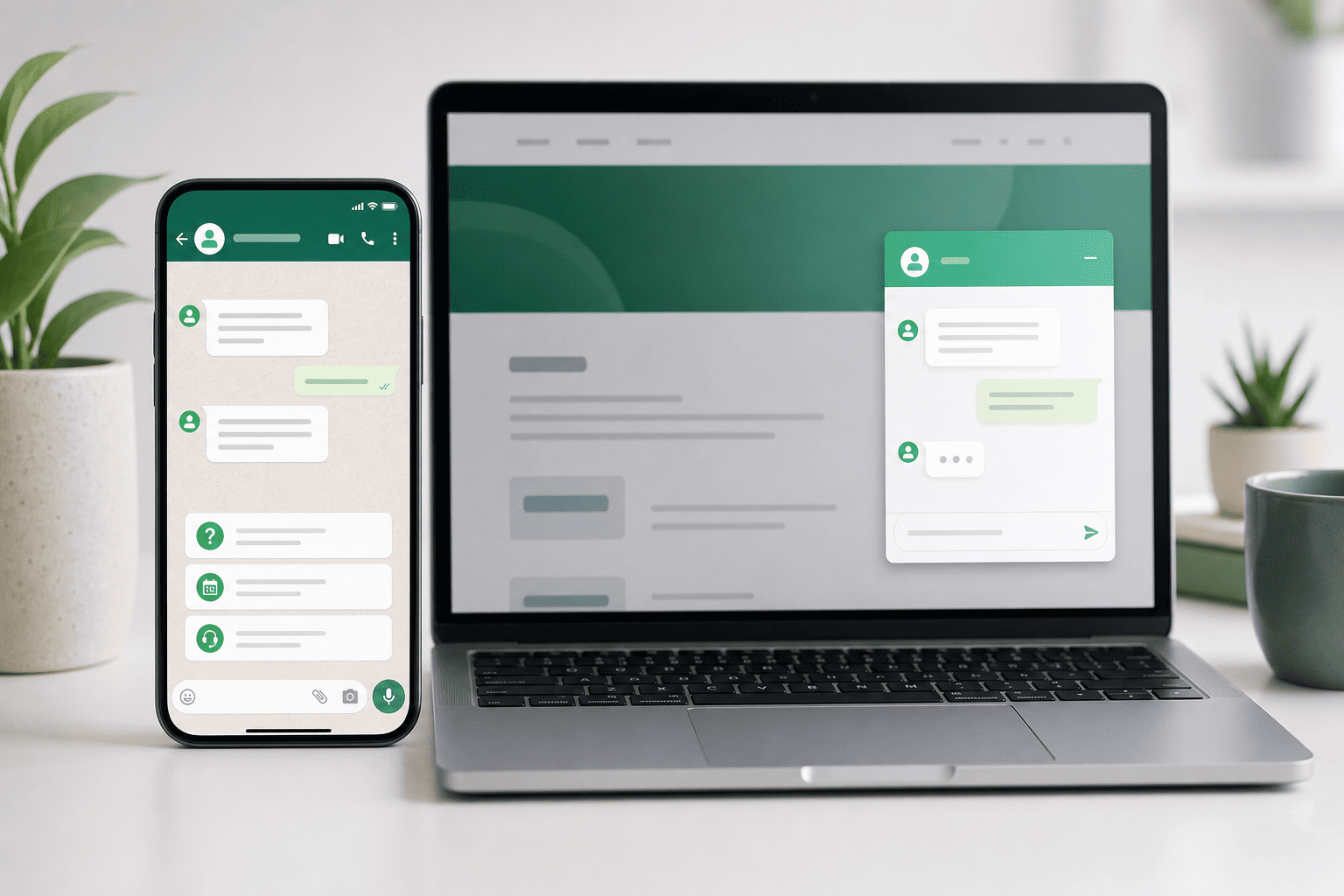
With Webflow, you can ship pages fast and keep design tight and on brand. Then you drop in the noem.ai chat widget to greet visitors, answer common questions, and collect the right details in seconds. The bot can pull from your latest docs, pages, and links, and it stays current with auto-sync, so answers match your content. That means fewer dead ends, less back and forth, and more qualified leads landing in your inbox or CRM. When users need a human, you can hand off smoothly without losing the thread of the conversation (ref: Webflow Blog ).
Webflow’s Optimize features, built from its acquisition of Intellimize, let you test and personalize content without code. That means the right headline, the right CTA, and the right layout land in front of each visitor, based on behavior and context. In many cases, AI-personalized landing pages see a 20–25% lift in conversion rates, with reported gains such as +25% conversions for HubSpot and +15% leads for Salesforce when using AI optimization approaches. Pair that with instant answers from noem.ai, and you get more people saying “yes” on the spot instead of bouncing (ref: Belt Creative ).
When you choose a platform like noem.ai, you also get a single stack: builder, hosting, knowledge sync, multichannel publishing, and analytics. That means you go live in minutes, not weeks, and your bot stays up to date with your latest content. For a busy team, this saves time and reduces risk. It also keeps your brand message steady across your site, chat, and social channels. This is how you create better-qualified sales opportunities without adding heavy workflows or extra tools.
- Bold, simple builds win: Many companies overcomplicate their stack and slow everything down. With Webflow for the site and noem.ai for chat, you remove complexity and speed up the path to value. You can launch fast, measure results, and iterate with less effort. That agility translates into more leads and more meetings on your calendar (ref: Amplitude ).
- Fast answers close deals: Response time is one of the top drivers of conversion. When you reply in about one minute, conversion potential can jump by well over 300%, and every extra minute costs you momentum. With always-on chat from noem.ai, your site responds in seconds and keeps visitors engaged. This helps your team focus on the right deals while the bot takes care of first contact and common questions (ref: Webflow AI Support ).
- Personalization lifts the whole funnel: AI-driven pages often deliver 20–25% conversion lifts, plus improved sign-ups and lower costs to acquire a customer. Webflow Optimize makes this simple with no-code testing, dynamic content, and smart delivery of top-performing variants. Add noem.ai chat to qualify interest as it appears, and you multiply the gains. The result is a steady rise in form fills, booked calls, and pipeline (ref: Digidop ).
- Clear metrics keep you honest: You can track conversion rates, goal completions, and funnel steps right in Webflow Analyze and other analytics tools. This gives you visibility to see what is working, what needs work, and where users drop off. Pair these insights with the built-in analytics in noem.ai, and you can spot missed questions, update answers, and retrain with one click. Over time, this leads to cleaner conversations and stronger lead quality (ref: Webflow Analyze , Webflow CRO ).
Personalization + Instant Chat = Higher Conversion Rates You Can See
When people land on your website, they have questions. They want to know if your product fits, how fast it works, and what it costs. If they must search, scroll, and wait, many will leave. Webflow Optimize lets you serve the right message and layout to each user, and noem.ai ensures they get real answers right away. This combo keeps people moving forward and leads to more form fills, demos, and trials (ref: Belt Creative , Digidop ).
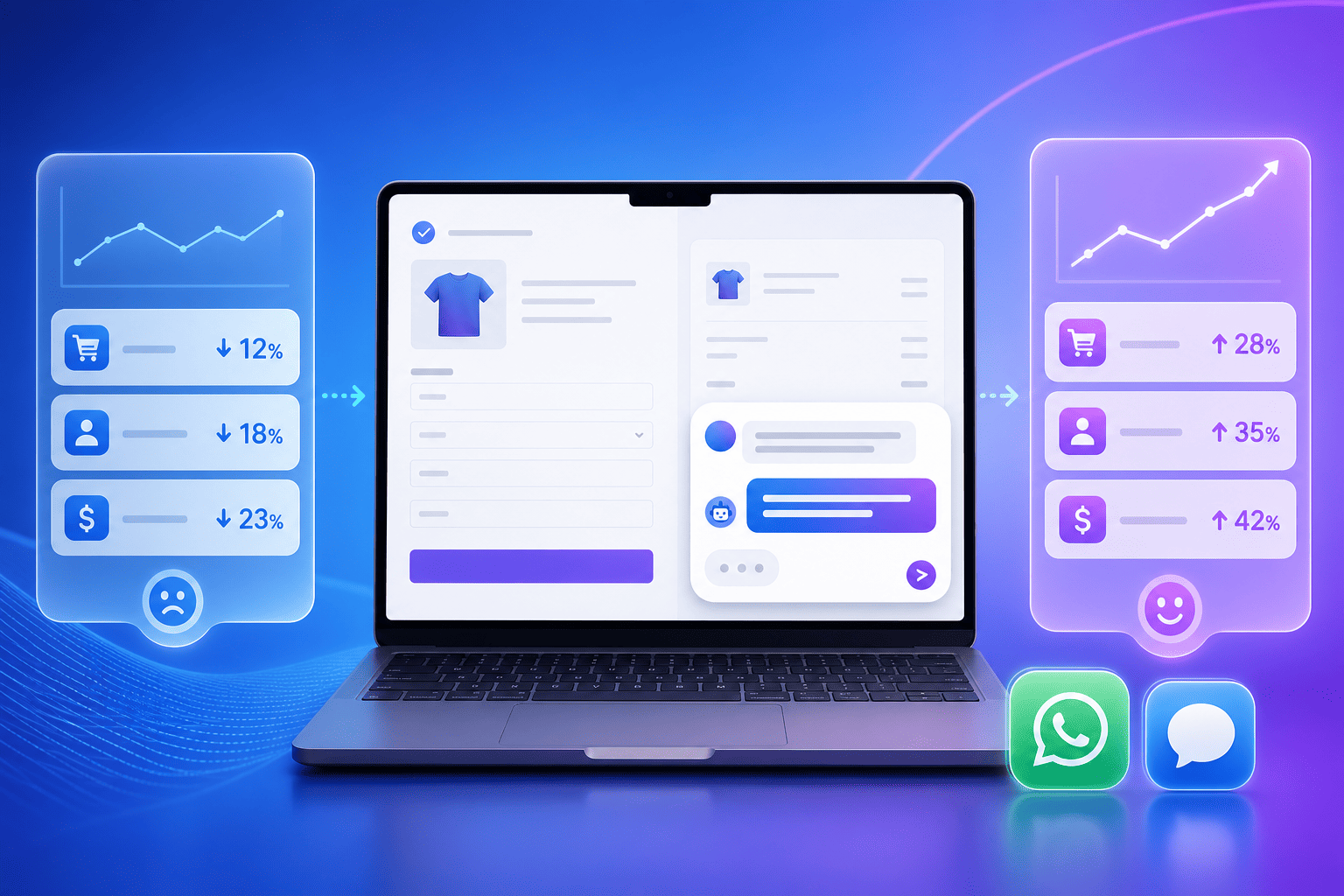
AI-driven landing pages often boost conversions by 20–25% on average, and case studies show +25% conversions for HubSpot and +15% more leads for Salesforce when using AI personalization and testing strategies. For smaller teams, many report strong uplifts after adopting AI page builders, because the content matches visitor needs faster and more clearly. When you pair those gains with fast chat replies from noem.ai, you reduce drop-offs and make it easier to say “yes.” Visitors get support right where they are, with no new tabs and no long delays. Over time, this creates a reliable path to higher revenue per visitor.
Behavior-based content also improves trust. With Webflow, you can test different CTAs, headlines, and images for different segments. You can show relevant offers based on where a user came from or what they looked at. Then, when a user asks for help, noem.ai reads from your current knowledge to give the right answer or to guide them to the next step. This feels like a smooth, personal tour of your product instead of a maze (ref: Vezadigital ).
Strong personalization and instant support also help you qualify leads faster. Each chat session can collect key context: timeline, need, budget clues, or product fit notes. This does not replace your team; it prepares your team with better info so they can help faster. With noem.ai, you see missed questions and can train the bot with one click, keeping answers fresh. That keeps the experience sharp and useful for every new visitor (ref: Webflow AI Support ).
- AI pages lift results: Marketers using AI-powered landing page tools often see 20–25% higher conversion rates. These gains come from testing many versions quickly and letting the best versions win. Webflow Optimize brings this to your site with a simple, no-code flow. Pair it with noem.ai to capture the extra attention right away, and you turn those clicks into real conversations (ref: SuperAGI , Belt Creative ).
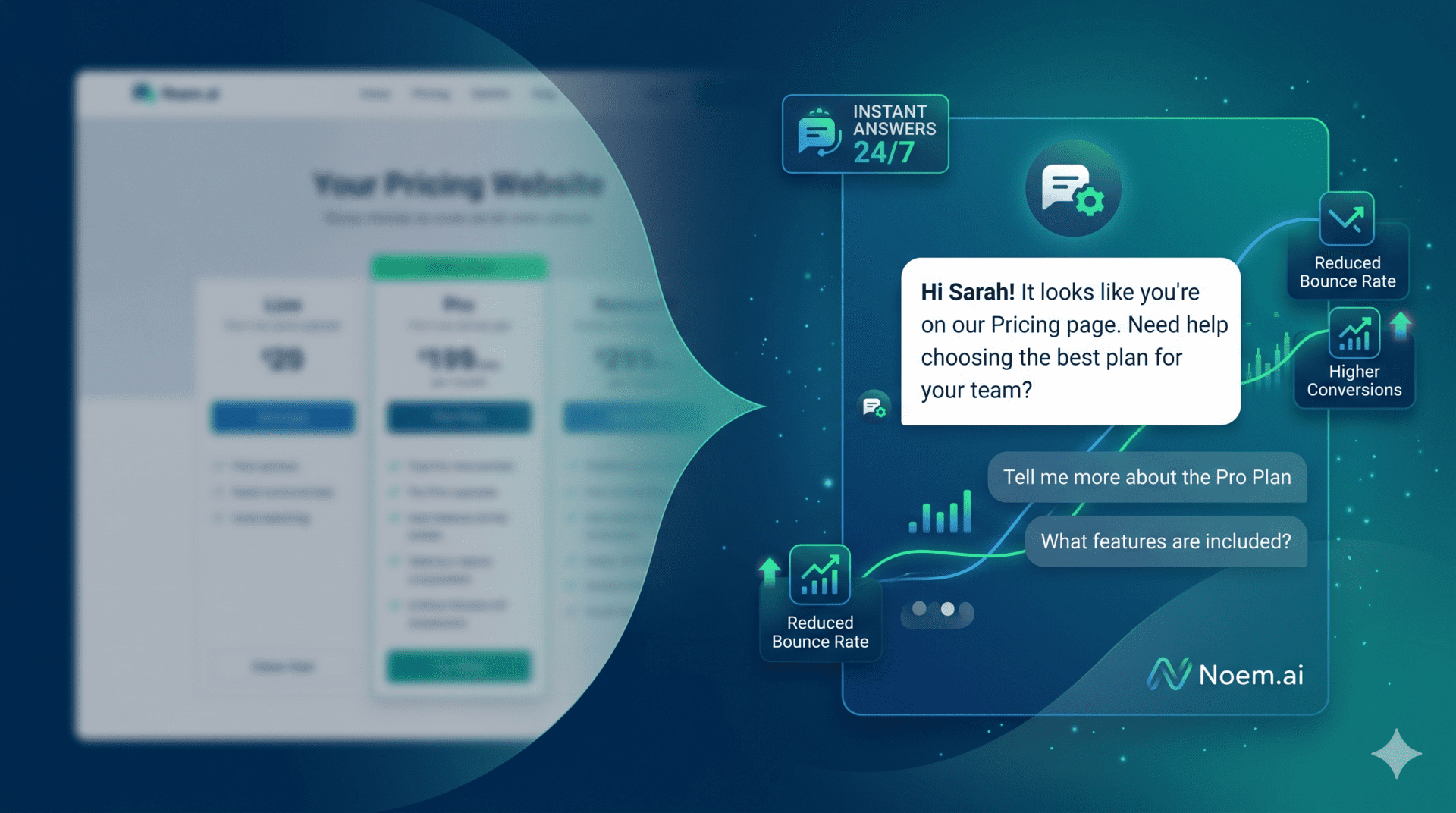
- Less friction, more leads: People do not want to wait for email replies or search a knowledge base. With noem.ai, they get help right now. They can ask about pricing, features, and setup and get clear, friendly answers. That reduces bounce and increases the chance they book a meeting or start a trial (ref: Webflow AI Support ).
- Testing that never stops: Webflow Optimize can keep testing headlines, images, layouts, and CTAs across high-traffic pages. It serves the best version for each visitor without code. Over time, this makes your pages strong and stable. When the chat is always ready from noem.ai, those improvements turn into more qualified contacts and cleaner pipelines (ref: Digidop ).
- Measure what matters: With Webflow Analyze and your analytics stack, you can track conversion events and see where people drop off. You can watch clicks, sign-ups, funnel steps, and form submits. Then you can adjust content and flows to fix weak spots. As you do, noem.ai analytics help you refine answers and guide visitors better every week (ref: Webflow Analyze , Webflow CRO ).
Cut Response Time to Seconds and Create Better-Qualified Sales Opportunities
Speed wins deals. If a visitor waits, they often leave. Quick replies show care and competence, and they keep people engaged when they are most curious. Research shows that replying to a new contact in about one minute can dramatically improve conversion chances, and delays can slash the impact of a good visit. This is why adding a fast, smart chat experience to your Webflow site is so powerful: it removes the waiting and keeps the conversation going (ref: Webflow AI Support ).
With noem.ai, your chat replies in seconds, 24/7. It handles common questions, gathers context, and guides visitors to the right action. It can show helpful links, explain features, and invite a visitor to book a call or try the product. When the question goes beyond self-serve, you can hand off to a human with the full chat history. This saves your team time and gives them cleaner, richer conversations with warm prospects (ref: Webflow Blog ).
Fast response improves lead quality too. When visitors share their goals in chat, your team sees what they want, what they tried, and how urgent the need is. That context helps you tailor the next touch and move faster to a decision. It also reduces back-and-forth emails, which can slow deals for days. The outcome is more meetings held, fewer no-shows, and a steadier pipeline of buyers who know what they want (ref: Amplitude ).
This does not require a heavy build or a long project. You can embed the noem.ai widget on a Webflow site in minutes. You set the knowledge sources, choose the voice, and pick the channels you want to publish to, like web, WhatsApp, or Messenger. Training is one click when you update content, and the bot stays in sync with your latest docs, URLs, or files. This makes it simple for small teams to keep the chat accurate without slowing down (ref: Webflow AI Support ).
- Reply in seconds, not hours: When your site answers right away, more visitors stay and engage. That reduces bounce and turns interest into action. With noem.ai, fast replies are built in, so you do not need extra tools or custom code. Over time, this builds trust and raises your overall conversion rate (ref: Webflow AI Support ).
- Qualify while they browse: The chat can ask gentle questions to learn needs and fit. Visitors feel heard, and you get clear signals on who is serious. This makes your follow-up sharper and faster. It also creates a better experience for people who just want help now (ref: Webflow CRO ).
- Keep answers current: With auto-sync and one-click retraining, your chat stays aligned with your newest content. That means fewer wrong answers and fewer escalations. It also means your team spends less time fixing things and more time closing. This is one of the biggest wins of using a single-stack platform like noem.ai (ref: Webflow Blog ).
- Support that never sleeps: Visitors come from all time zones. A 24/7 chat helps you serve them right away, even outside office hours. This widens your funnel and adds leads you would have missed. It also helps current customers get help quickly, which protects retention and upsell (ref: Webflow AI Support ).
A Simple, Repeatable Playbook to Turn Visitors into Qualified Leads
You do not need a big team to run a great website that sells. You need a fast site, clear content, and instant support. Webflow gives you the speed and control to build once and update often. noem.ai gives you the always-on chat that answers, guides, and collects the right details. Together, they create a flywheel: better pages attract visitors, chat engages them, and your team closes them.
Start with your top pages: home, pricing, and product. Use Webflow Optimize to test 2–3 headlines and CTAs on each page. Keep the copy simple and the next step clear. Then embed noem.ai and connect it to your docs, FAQs, and key URLs so it can answer the most common questions in seconds. Track key goals in Webflow Analyze—like sign-ups, demo requests, and form submits—so you can see the lift as you go (ref: Belt Creative , Webflow Analyze ).
Next, expand to other high-intent pages, like case studies and comparison pages. Personalize the copy for returning visitors or those who view multiple product pages. Offer helpful prompts in chat, like “Want a quick overview?” or “Need pricing details?” Let noem.ai suggest the next step based on what the visitor asks. Over time, use your analytics to spot gaps in content and add new answers to the bot with one click (ref: Digidop , Webflow CRO ).
As your traffic grows, keep testing. Refresh visuals, simplify copy, and shorten forms. Measure the impact on bounce and conversions. When you see a winner, keep it and test the next idea. And remember, your chat is part of your page. Keep its tone friendly and clear, and make it easy to book a call or start a trial right from the conversation (ref: Amplitude ).
- Build, then personalize: Launch your Webflow pages clean and fast. Then add Optimize experiments to tailor headlines, images, and CTAs to your audience. This two-step approach lets you ship quickly and improve without a rebuild. It is the simplest way to make steady gains month after month (ref: Belt Creative ).
- Embed chat where intent is highest: Put noem.ai on pricing, product, and “Contact” pages, where questions are common. Offer quick replies and a clear path to book time or sign up. Keep the chat helpful and to the point. This reduces friction and turns interest into action (ref: Webflow AI Support ).
- Track goals you can influence: Use Webflow Analyze to add goals like button clicks, form submits, and demos. Watch how tests change those numbers. Use that data to refine both the page and the chat. Over time, you will see what messages pull people forward (ref: Webflow Analyze ).
- Keep answers fresh: As products change, so do questions. With one-click retraining and auto-sync, your chat stays current. This avoids confusion and reduces handoffs. It also lets your team focus on high-value conversations that lead to revenue (ref: Webflow Blog ).
What Results Can You Expect? Here’s What the Data Says
Marketers using AI-enhanced landing pages often see 20–25% more conversions on average, and many report higher sign-ups and lower costs per acquisition when they pair personalization with fast on-site help. Companies like HubSpot and Salesforce have reported double-digit gains from AI-driven optimization approaches, including +25% conversions and +15% more leads in published examples. Teams also see strong results from 24/7 support because visitors get help right away, at any hour. That reduces wait time and makes it easier for interested buyers to take the next step (ref: Webflow AI Support ).
Webflow’s Optimize makes these wins scalable. You can run many tests without code, and the system can serve top versions to the right visitors. This saves time and keeps your message tight, page by page. Add a responsive chat layer from noem.ai, and your site can answer and guide in seconds. Visitors do not leave to search or wait; they stay and convert (ref: Digidop , Belt Creative ).
Marketers also report sign-up lifts from well-built AI pages and clear chat paths. In many cases, sign-ups rise by 25–30% when the path is simple and the answers are instant. For small teams, this can be the difference between a slow quarter and a full pipeline. The best part is that you can start small and scale as you grow. With the right setup, you do not need a big team to run a world-class funnel.
Over time, your analytics tell the story. You will see which headlines move numbers, which pages land the most demos, and which questions people ask most often. With that insight, you can update content and teach your chat new answers in minutes. This tight feedback loop keeps your site fresh and on target. It is a simple way to drive steady, compounding gains across your whole funnel (ref: Webflow Analyze , Amplitude ).
- Expect higher conversion rates: AI-personalized pages commonly lift conversion by 20–25%, and some brands report even larger gains. Add instant chat, and more of that interest turns into meetings and sign-ups. This is one of the cleanest paths to revenue growth without more ad spend. It works because it removes friction and speeds up answers.
- Create better-qualified sales opportunities: When chat collects needs and context, your team shows up prepared. That leads to better calls and faster decisions. It also helps you spot who is not a fit early, which saves time for everyone. In the end, your pipeline is clearer and stronger (ref: Webflow CRO ).
- Reduce response time on websites: A site that replies right now beats a site that replies later. With noem.ai on your Webflow pages, visitors get help in seconds, day or night. That keeps them engaged and moving forward. It also lowers the load on your team, since the bot handles the first wave of questions (ref: Webflow AI Support ).
- Support sales and support conversations 24/7: The same chat can help buyers and customers. It can give product guidance, how-tos, and links to key docs. It can also help book time with sales when a visitor is ready. This blended approach keeps your site helpful and your funnel healthy (ref: Webflow Blog ).
Ready to turn your Webflow site into a lead engine? Add noem.ai to your top pages, set up a few Optimize tests, and track your goals in Analyze. If you want help, we are happy to guide the setup. Want to see it live on your site this week? Start with a quick chat and we will show you how fast it can be. What would a 20–25% lift in conversions mean for your business this quarter?