Why an AI-First Chatbot Is a Smart Move for Your Site Builder Website
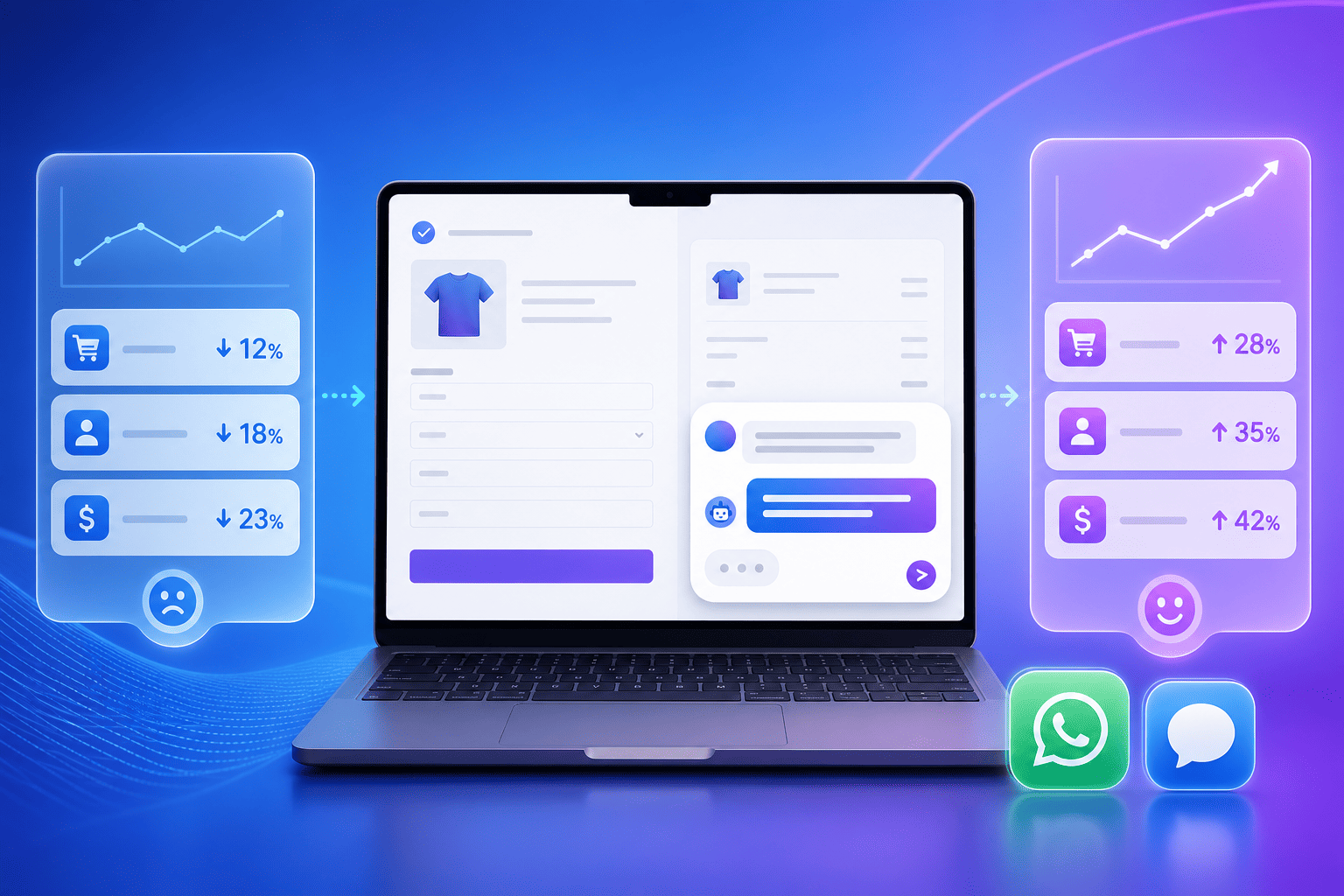
Adding a chatbot to your website should be simple and fast. With noem.ai, you can set up a no-code chatbot in minutes and publish it on a Wix, Squarespace, or other site builder site. The bot can talk to visitors day and night, qualify leads, and share answers right away. This helps you create better-qualified sales opportunities, drive higher conversion rates, and turn more visitors into real leads. It also cuts response time from hours to seconds, which your customers will love (ref: noem.ai, ref: noem.ai).
Businesses using AI chat see gains because chat starts fast and feels friendly. Many teams report higher conversion rates and better lead quality after adding a chatbot to their main pages. Some see conversion lifts of up to 20% because the bot guides users to the next step and keeps the conversation going (ref: noem.ai). Others share that chat can qualify leads much faster than forms, so sales reps can act sooner while interest is high. And because the bot is always on, you can get leads overnight, not just during business hours (ref: noem.ai, ref: YouTube).
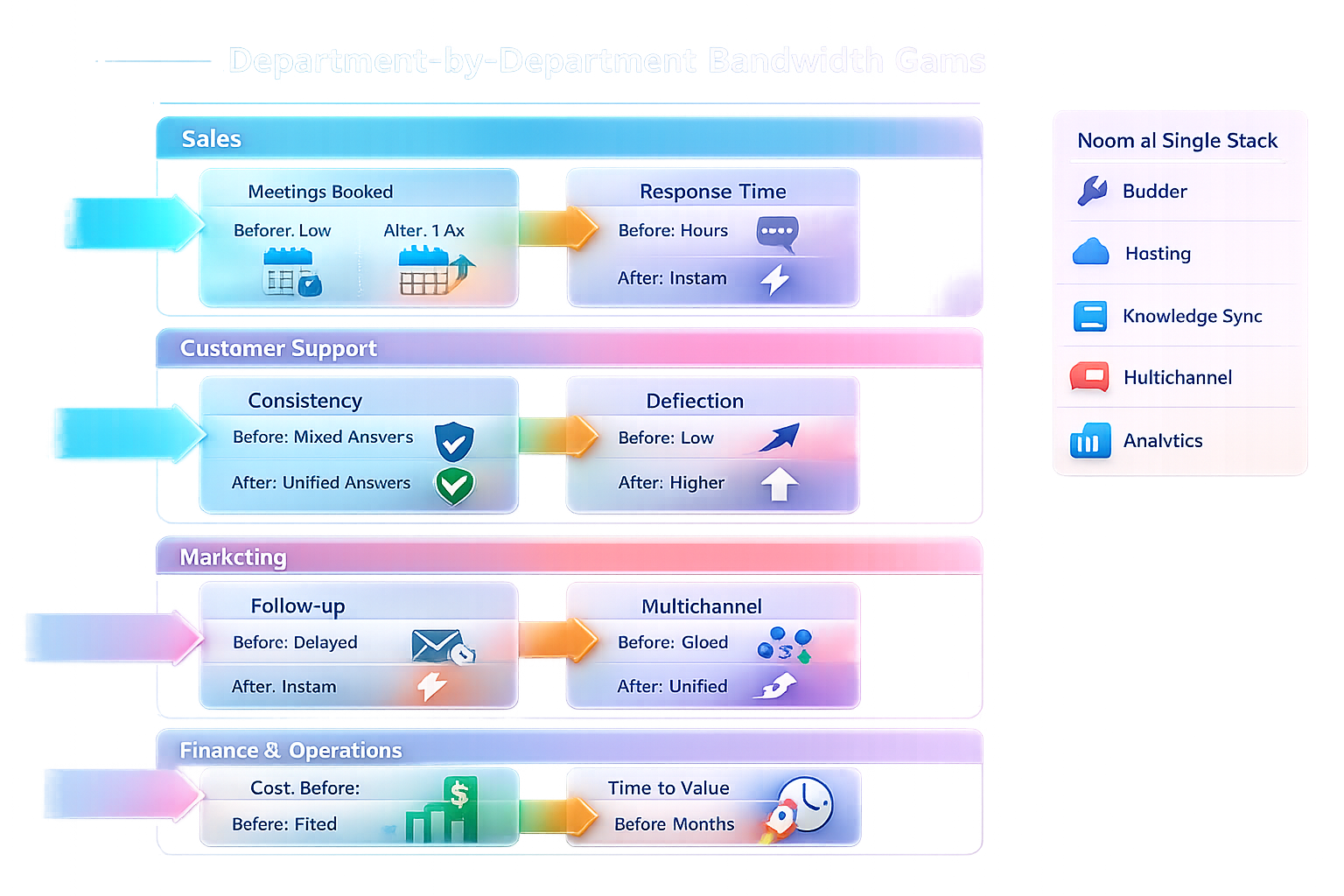
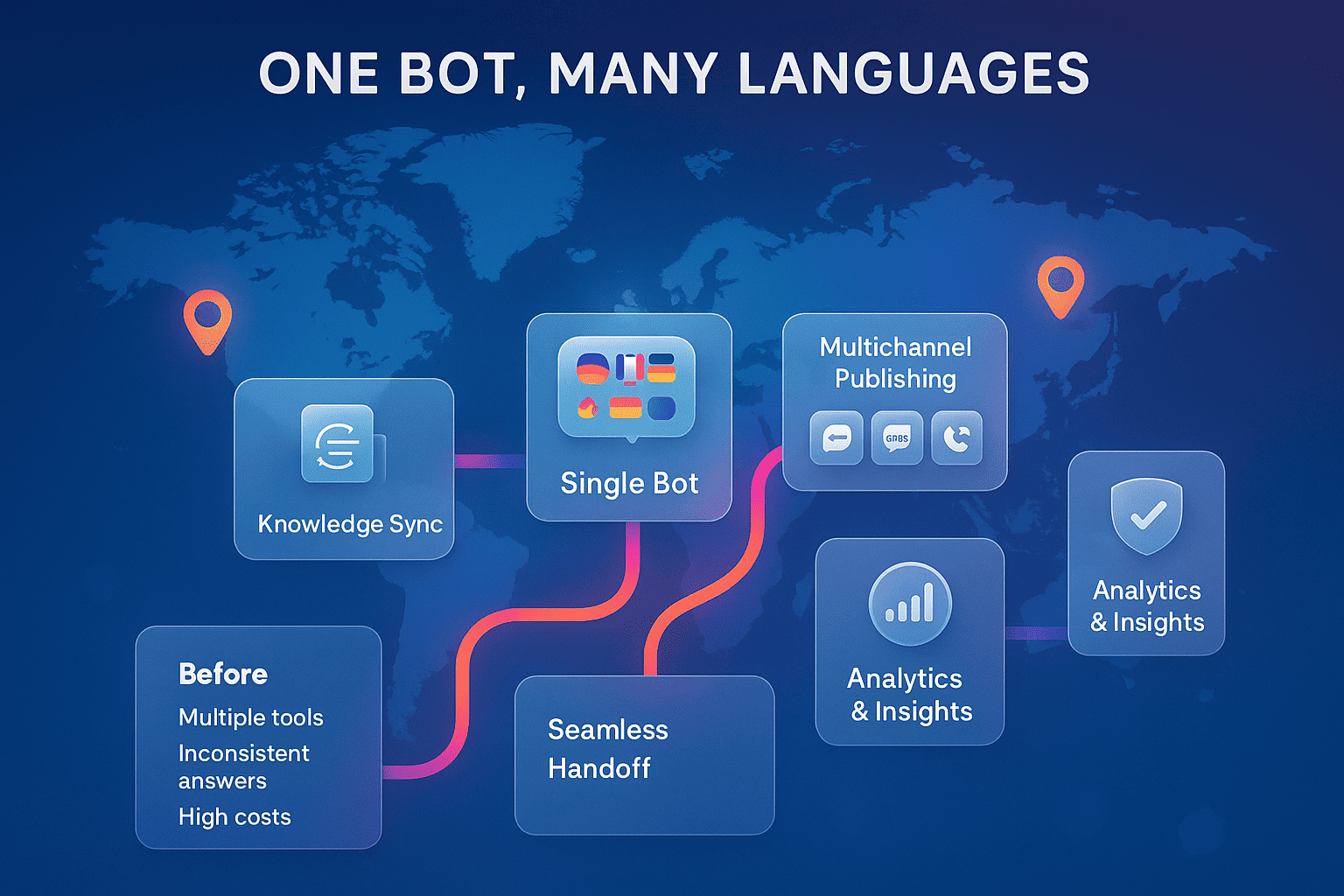
This is where noem.ai shines. The platform bundles builder, hosting, knowledge sync, multichannel publishing, and analytics in one stack. You can connect files, URLs, and apps, then publish the same bot to your website widget, WhatsApp, SMS, Facebook Messenger, or a hosted page. It is low-cost, usage-based, and scales with you, so you can start small and grow as you see results (ref: noem.ai, ref: noem.ai).
With noem.ai, you also get real-time analytics and missed-question alerts to keep your bot sharp. You can review history, export data, and retrain with one click when you see gaps. This helps you improve answers fast and keep performance strong over time. When the bot knows your content and your goals, it can move people to the right path and help your team win more deals with less effort (ref: noem.ai, ref: noem.ai).
Set Up in Minutes: Create, Configure, and Embed Your Noem.ai Chatbot
- Sign up and start a project: Go to noem.ai and create your account. In the dashboard, click My Projects, then Create Chatbot to begin your build. Pick a profile picture, set a display name like “SalesBot,” and write a warm welcome message. Keep it short and clear so visitors know how the bot can help right away (ref: noem.ai, ref: YouTube).
- Set bot instructions and goals: In the Instructions tab, tell your bot who it is, what it should do, and what to avoid. Use a numbered list so the bot can scan and follow the rules. Add goals like “qualify leads by asking about problem, timeline, and budget,” and add boundaries like “do not share exact pricing; ask for email to connect to a rep.” This helps the bot stay on track and keeps the flow simple and helpful (ref: noem.ai).
- Approve domains and test: Before you embed, go to Deploy > Approved Domains and add your site, like example.com and www.example.com. This keeps your bot safe and tied to your website. Use the Test tool to try simple questions and check if the welcome message, tone, and answers look right. Make quick edits, then test again until you feel good about it (ref: noem.ai).
- Embed on Wix or Squarespace: Copy the script in Deploy > Website Integration and paste it into your site. For Wix, go to Settings > Custom Code and add it in “Body – end.” For Squarespace, use Settings > Developer Tools > Code Injection > Footer. If you want the bot in a specific section or modal, use targeted embedding tools to place it where you need (ref: noem.ai, ref: noem.ai).
- Publish or use a hosted page: If you do not have your site ready, you can also publish a hosted chatbot page right from the platform. This lets you share a link by email or chat and start capturing leads now. It is a smart way to test messages and refine your prompts before rollout. Once ready, move the same bot to your live site with a quick paste of the script (ref: noem.ai, ref: noem.ai).
Prompts That Qualify Leads and Boost Conversions (Copy-Paste Templates)
Great prompts make your bot more helpful and more focused. In noem.ai, you can write prompts that teach the bot how to guide the chat. Use short sentences and clear steps so the bot never gets lost. Keep the goal in mind: create better-qualified sales opportunities, drive higher conversion rates, turn visitors into qualified leads, and reduce response time on websites. The prompts below are simple and proven starting points you can paste into your Instructions tab (ref: noem.ai, ref: noem.ai).
- Lead qualification (core flow): “You are SalesBot for [Your Business]. Ask: 1) What problem are you trying to solve? 2) When do you want to start? 3) What is your budget range? Offer to share a fast summary and ask for an email to send it. Keep answers short, polite, and focused on next steps.” This flow turns basic interest into a clear sales note your team can use. It also helps the visitor feel heard and supported. Many teams see higher lead quality when these three questions are asked early in the chat (ref: noem.ai).
- Sales booster (recommend + capture): “Listen to needs, then suggest one or two options, not more. Ask if they want a quick summary and a link. If yes, request their email and confirm consent to follow up. If they are not ready, invite them to bookmark the page and come back anytime.” This prompt keeps the pressure low while still moving toward a clear next step. It works well on pricing, product, and service pages where visitors want quick help choosing (ref: noem.ai).
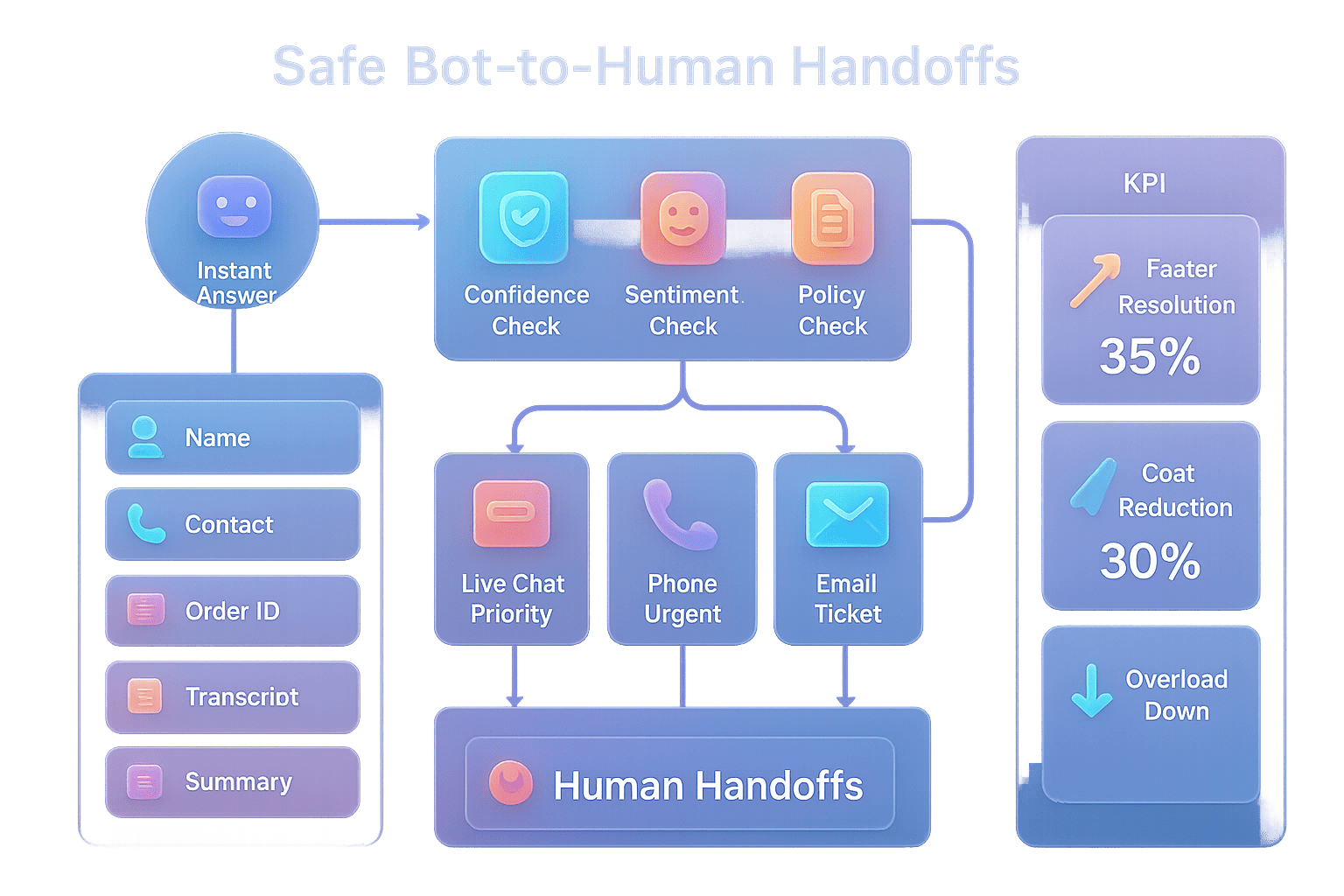
- Support first, then escalate: “Try to solve common issues with friendly steps. If it looks complex, capture a short description and an email. Then send it to the support inbox or ticket tool. Share a helpful article link if it exists.” This flow gives fast relief for simple problems and gets the right info if a human needs to step in. It also keeps the chat calm and helpful while cutting back-and-forth emails (ref: noem.ai).
- Boundaries that build trust: “If a user asks for exact pricing, share ranges and ask for email to send a custom quote. Do not guess or overpromise. Be honest about limits, and point to the right contact when needed. Always confirm the next step before ending the chat.” Clear limits protect your brand and set real expectations. They also lead to better handoffs and smoother follow-up by your team (ref: noem.ai).
- Tone, style, and memory: “Use short sentences. Be warm and plain. Restate the visitor’s goal in your own words to confirm you understood. Remember key details during the session, like budget and timeline, and include them in your summary.” This keeps the chat easy to read and shows you listened. It builds trust and makes it easier for a lead to say yes to next steps (ref: noem.ai).
When you use these simple prompts, your bot can qualify leads, lift conversion rates, and lower response time on your website. You also support sales and support conversations 24/7, which means you never miss a chance to help. In noem.ai, you can save these prompts as templates and update them over time. You can also pull in knowledge from files and URLs so the bot has your latest content ready to go. That way, your answers are fresh and the chat feels smart and on-brand (ref: noem.ai, ref: noem.ai).
Live Test Checklist: Prove It Works Before You Go Big
Before you share your bot with the world, run a quick test. This checklist helps you confirm the setup is right and the chat behaves as planned. It also shows you how to catch edge cases before they cost you leads. Go one item at a time and take notes as you test. Then tune your prompts and publish with confidence (ref: noem.ai, ref: noem.ai).
- Welcome message appears and fits your brand: Check that the chat opens with the right greeting and a short value statement. Try a few variations to see which one drives the most replies. Keep it friendly and clear about what the bot can do. If you use variables, confirm they render as expected (ref: noem.ai).
- Answers are accurate and on-script: Ask common questions a new visitor might ask, like “What do you offer?” or “How do I start?” Check that the answers match your content and push the next step when it makes sense. If the bot drifts, tighten your rules or add a boundary to your prompts. Keep testing until answers are steady and clear (ref: noem.ai).
- Lead capture works every time: Confirm that the bot politely asks for an email when it makes sense, like after a solution summary. Check that the email is saved in chat history. If you use a connected inbox or tool for follow-up, verify that it receives the info. This step is key to turning a good chat into a qualified lead (ref: noem.ai).
- Mobile and desktop look great: Open the site on phone and laptop. Make sure the chat widget fits the screen and does not block your main CTA. Check fonts, colors, and icons that matter for your brand. A smooth mobile chat often leads to more leads because many visitors start on their phones (ref: noem.ai).
- Edge cases stay calm and helpful: Try off-topic or vague questions and make sure the bot brings things back to the goal. If needed, add a short “I can help with X and Y; here’s how we start” message. Keep the tone kind, not cold. This protects your brand and keeps visitors engaged even when the chat goes sideways (ref: noem.ai).
- History and analytics show the story: Go to the Chatbot History tab and review the logs. Look for missed questions and trends in what people ask. Export a CSV if you want to share with your team. Use these insights to tune content on your site and sharpen your prompts (ref: noem.ai).
Once you pass the checklist, you can publish with peace of mind. Your bot will help reduce response time on your website and support 24/7 sales and support conversations without adding headcount. You will also build a steady flow of qualified leads because the bot asks the right questions early. Over time, this can boost conversion and lower costs. Keep an eye on your analytics to find new ways to improve (ref: noem.ai, ref: noem.ai).
Real-World Gains: What the Numbers Say and How to Keep Improving
Numbers help you see the impact. Teams add a chatbot and see faster lead capture, more replies, and stronger follow-up. Some report up to 82% higher conversion rates when they guide visitors with a focused chat, not just forms. Others see 4x more leads captured during natural conversations because the bot removes friction and asks in the moment. Many visitors also expect an instant reply, with a big share saying they want help right away, so a bot meeting them fast makes a real difference (ref: noem.ai, ref: YouTube).
- Create better-qualified sales opportunities: Use the three core questions—problem, timeline, budget—to shape every chat. Have the bot save a plain summary at the end so sales can act fast. When a rep reaches out with those details, the call or email feels personal and useful. This raises the chance of a real sales conversation and shortens the time to book a meeting (ref: noem.ai).
- Drive higher conversion rates: Place the chatbot on pages that matter most—home, pricing, and product/service pages. Use a welcome line that ties to the page: “Need help choosing a plan?” or “Tell me your use case; I’ll point you to the best fit.” When the bot matches the user’s intent, they stay and click more. This is how chat drives measurable lifts over time (ref: noem.ai).
- Turn visitors into qualified leads: Ask for email after value, not before. For example, after you share a short plan or a how-to, say, “Want a summary sent to your inbox?” This method earns trust and makes people more willing to share contact info. It also improves follow-up success because the email is tied to a clear need (ref: noem.ai).
- Reduce response time on websites: The bot answers fast and keeps people from waiting. This matches what many users want today—help in seconds, not hours. Even if a human needs to step in later, the bot can gather the basics now. That way your team starts with context and can solve the issue in one pass (ref: YouTube, ref: noem.ai).
- Support 24/7 for sales and support conversations: Night or day, weekday or weekend, your bot is ready. This captures demand that used to slip away after hours. It also lowers repetitive work for your team by handling common questions. Your people can then focus on high-value tasks and complex cases (ref: noem.ai).
To keep improving, make small updates each week. Review the Chatbot History tab to spot gaps and fix them. Look for missed questions and write short help snippets you can add to your knowledge. Then retrain with one click and test again. This steady loop is how you get long-term gains in conversion and lead quality (ref: noem.ai).
How noem.ai Makes This Easy for Business Owners (And Why It’s Low-Cost)
noem.ai is built for speed, simplicity, and trust. Everything is in one place, from building and hosting to knowledge sync, publishing, and analytics. You can connect files, URLs, and apps so your bot reflects your latest content, and it stays in sync without you doing more work. Publishing to your site is a copy-paste step, so you do not need a dev or a long project plan. This lowers cost and helps you go live in minutes, not weeks (ref: noem.ai, ref: noem.ai).
With usage-based pricing, you only pay for what you use. This makes it easy to start small, test, and scale as you see results. You can watch real-time analytics to track messages, engagement, and top questions. If you need more control, you can add optional APIs or webhooks when you are ready. This mix helps small teams act fast and still be ready for bigger needs later (ref: noem.ai).
As a business owner, you want tools that do more than one thing. noem.ai brings builder, hosting, sync, publishing, and analytics into one stack, so you have fewer tabs and less setup. With missed-question alerts and one-click retraining, you can keep answers fresh without heavy work. And because the bot supports sales and support 24/7, you get value right away. This makes noem.ai a strong choice for busy teams who want results now (ref: noem.ai).
If you use a site builder like Wix or Squarespace, the embed is fast and safe. You add approved domains, paste one script, and you are live. For special layouts, you can embed the bot in a specific section, a modal, or even run it on a hosted page when you need a quick share link. The platform docs walk you through every step, so you never feel stuck. You can move from idea to live test in a single session (ref: noem.ai, ref: noem.ai).
noem.ai, Your AI Agent Workforce, helps you qualify leads, boost conversion, and reduce response time on your website—without code. Visit the site at noem.ai to start your build now. You can design flows, ingest knowledge, and deploy across web, WhatsApp, SMS, Facebook Messenger, or a hosted page, all from one dashboard. With real-time analytics and easy retraining, you can improve week by week. Try it today and see how a simple chat can change your pipeline for the better (ref: noem.ai, ref: noem.ai).
Quick Reference: Exact Setup Steps You Can Copy
- Create your chatbot in the dashboard: Click My Projects > Create Chatbot and set name, avatar, and welcome message. Keep the welcome line short, like “Hi! Want help choosing the right plan?” This invites a reply and sets the topic. Save and move to Instructions (ref: noem.ai).
- Paste these Instruction bullets: “You are a friendly assistant for [Your Business]. Goal: qualify leads fast and offer a next step. Always ask problem, timeline, and budget. Offer to send a summary by email and ask permission.” Add boundaries like “Do not share final pricing; collect email for a custom quote.” This keeps the chat clear and safe (ref: noem.ai).
- Approve domains: Go to Deploy > Approved Domains and add your root and www. This links your bot to your site and prevents errors. Use the local Test tool to try common questions. Fix issues before you go live (ref: noem.ai).
- Embed on Wix or Squarespace: For Wix, open Settings > Custom Code, add to “Body – end,” and save. For Squarespace, open Settings > Developer Tools > Code Injection > Footer, paste, and save. Publish and refresh your site. Your chat widget should appear in the corner (ref: noem.ai).
- Review Chatbot History and analytics: Open the History tab to read conversations and spot missed questions. Export a CSV if you want to share with your team or archive. Watch message counts and engagement to see what pages perform best. Tweak prompts and knowledge each week (ref: noem.ai).
Ready to see it live on your site? Start building at noem.ai, publish in minutes, and turn more visitors into qualified leads today. If you want a quick win this week, add your chatbot to your home and pricing pages, run the checklist, and watch your response time drop. Your customers are already asking for faster help—meet them there with a friendly chat. When you are ready, expand to more pages and channels from the same dashboard at noem.ai. And if you have questions, the help center at noem.ai has step-by-step guides for every part of the setup.